Why Doesn’t My USB-C to HDMI Adapter Work?
USB-C to HDMI adapter not working with an external monitor

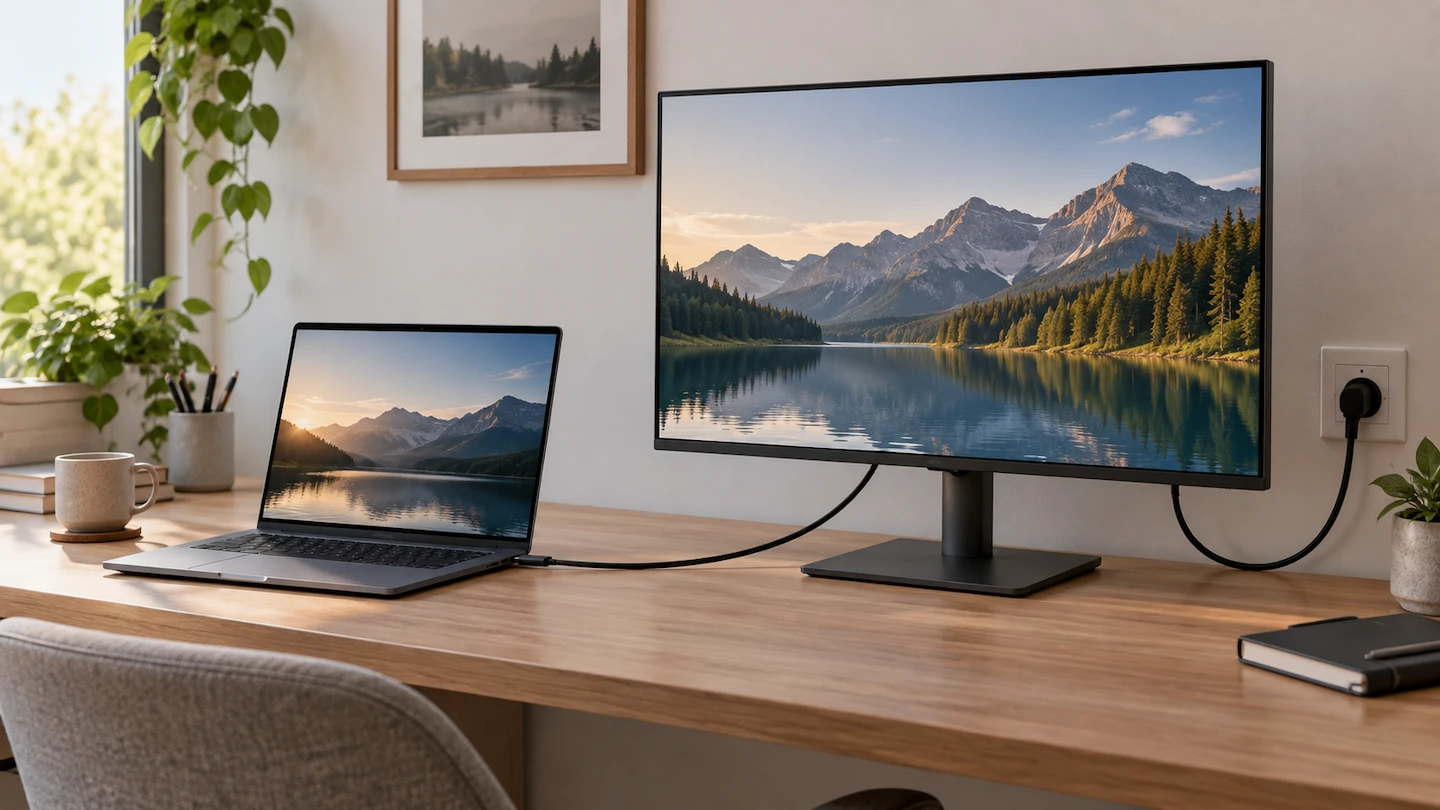
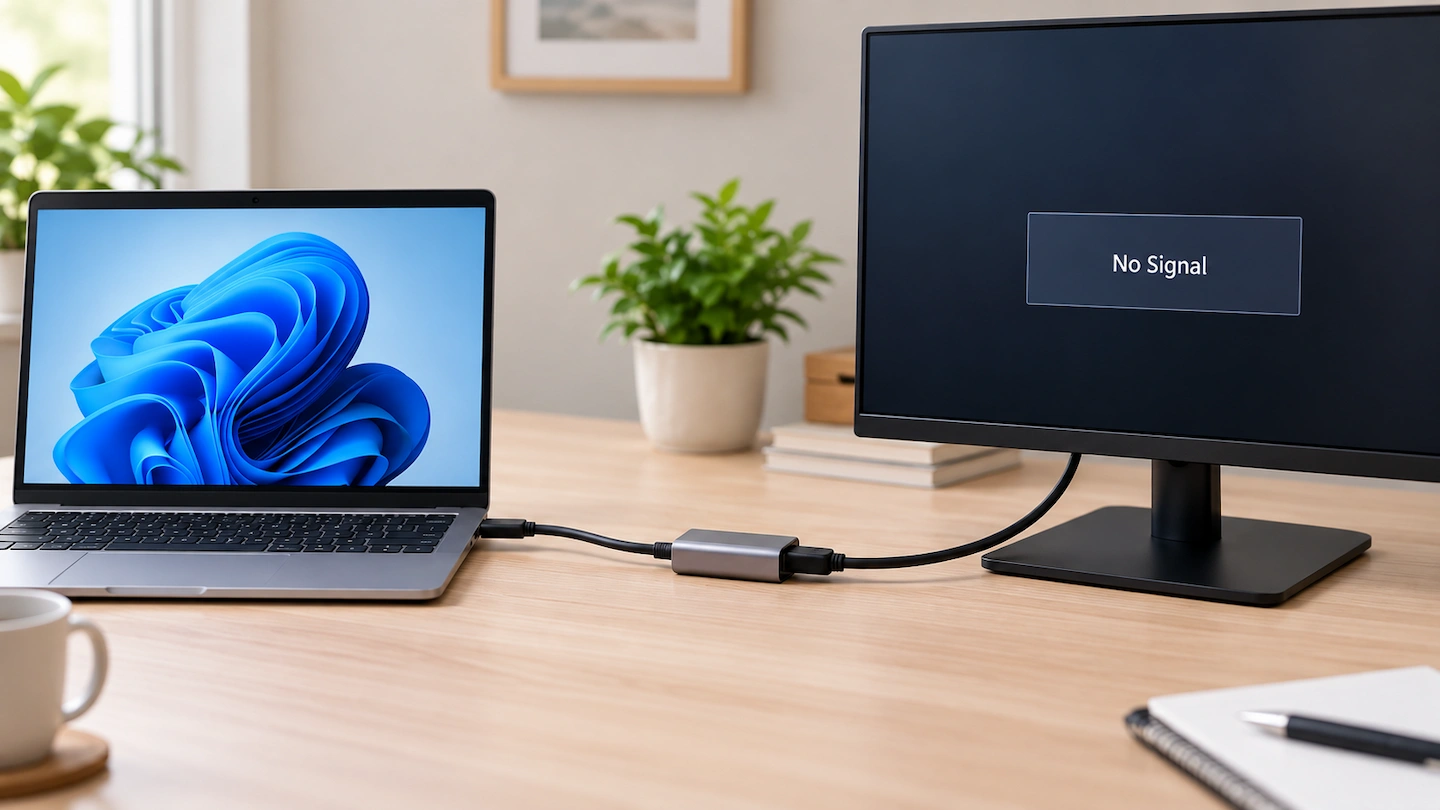
USB-C to HDMI adapter not working? The monitor or TV may show No Signal, stay blank or fail to appear in Windows. That does not automatically mean the adapter is faulty. The problem could be the USB-C port, the HDMI cable, the display input, the adapter itself or the way Windows is using the external … Read more
Ethernet vs Wi-Fi for a Home Office: Which Is Better?

Ethernet vs Wi-Fi for a home office, showing a laptop connected to a router

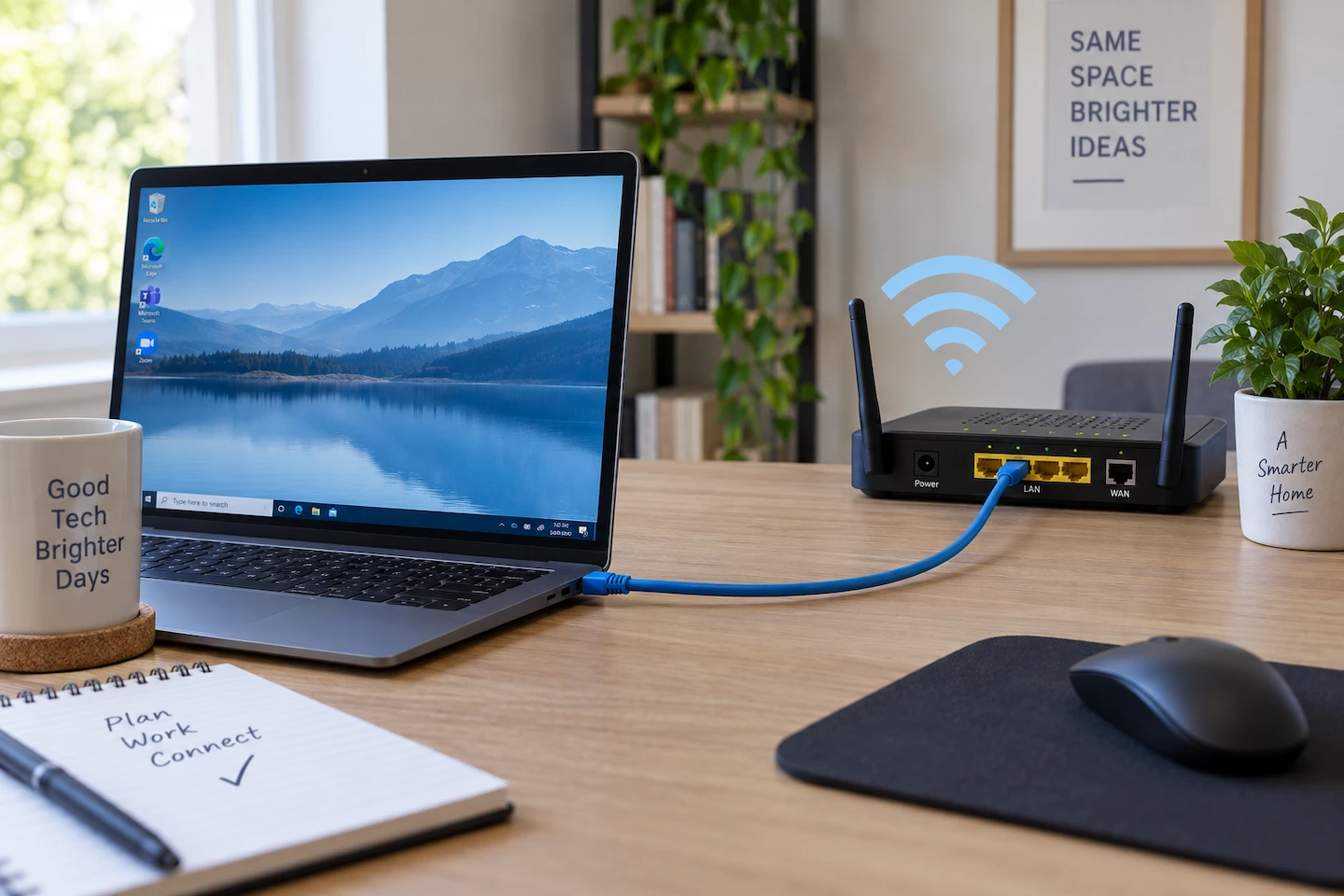
When comparing Ethernet vs Wi-Fi for a home office, the main trade-off is consistency versus convenience. Ethernet can give a fixed computer a more consistent connection, while Wi-Fi gives you much more freedom over where you use your laptop. But that does not mean every home office needs Ethernet. If Wi-Fi at your desk is … Read more

Wireless Printer Works on One Computer but Not Another

Wireless printer works on one computer but not another

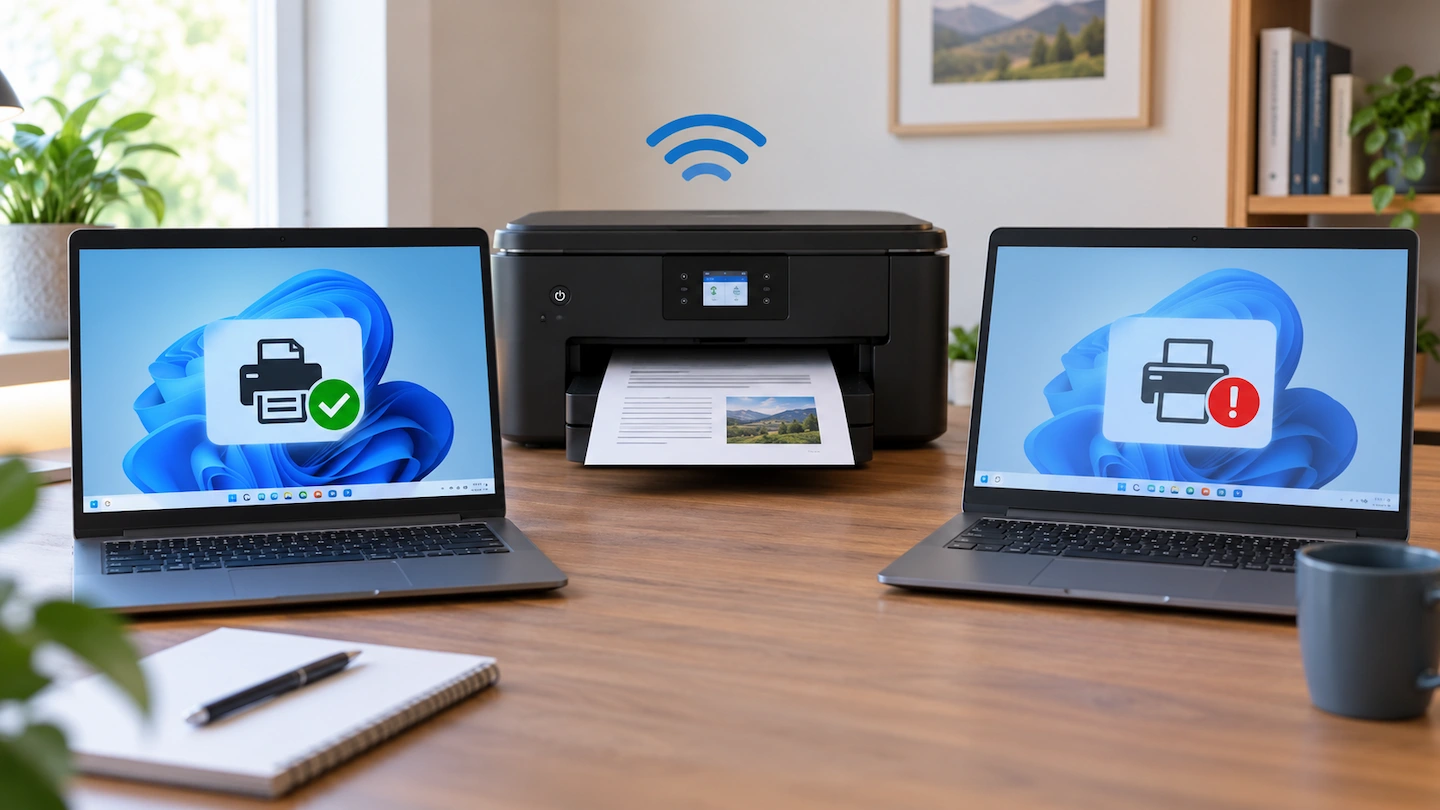
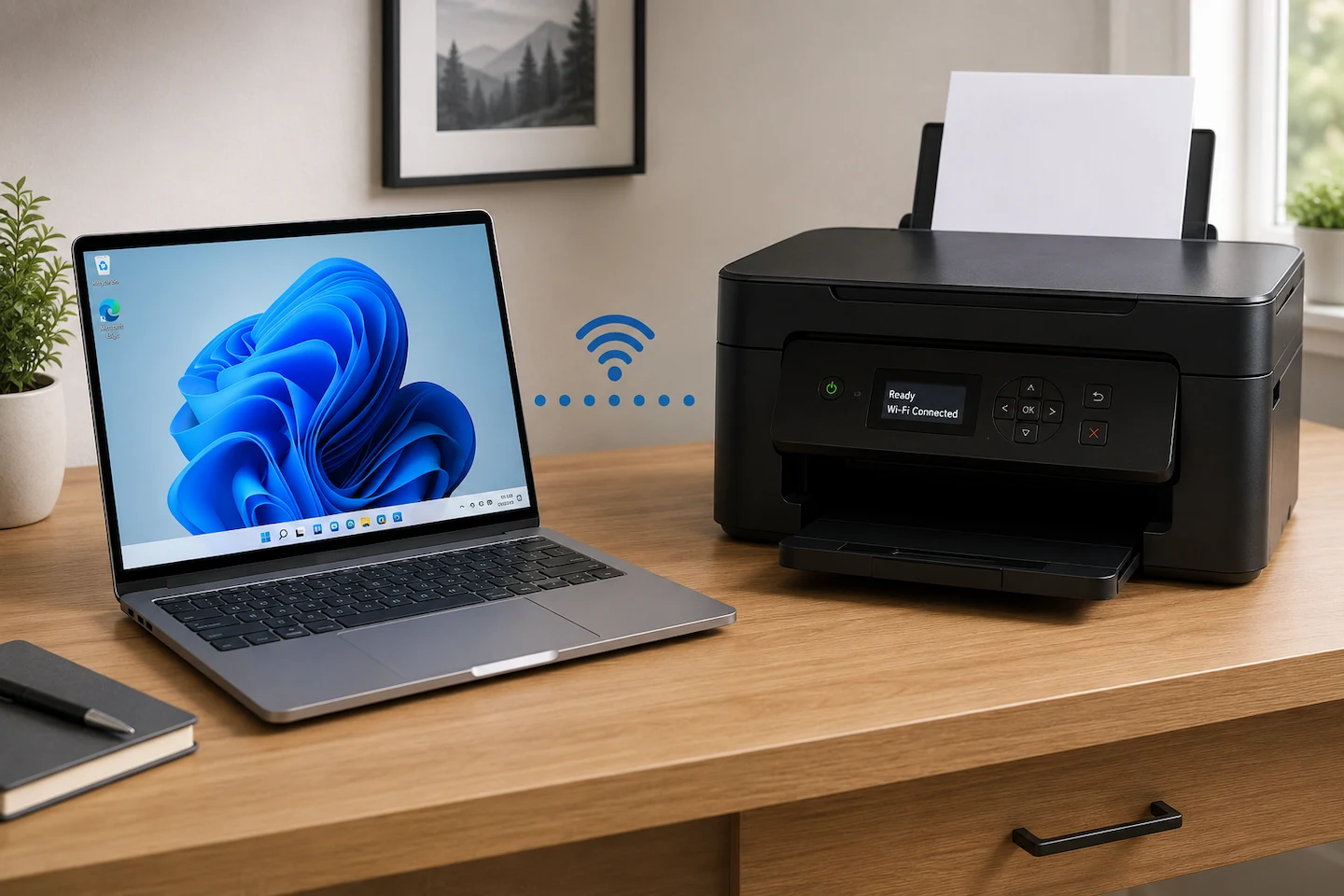
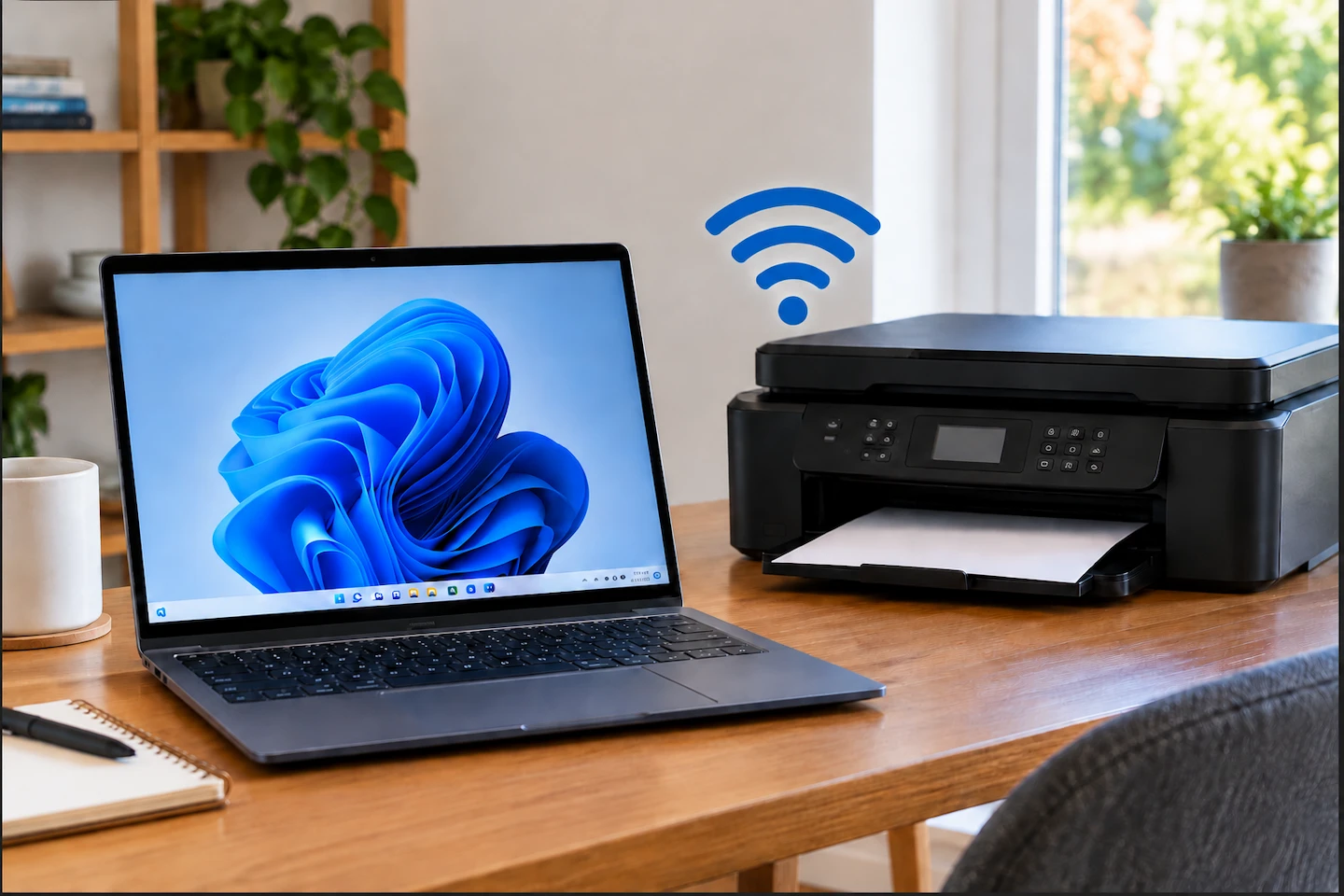
If your wireless printer works on one computer but not another, that is an important troubleshooting clue. It suggests the printer itself can still print and has at least one working connection, so the best place to start is usually the computer that cannot print. Rather than resetting the printer or changing your Wi-Fi settings, … Read more

2.4GHz vs 5GHz Wi-Fi: Which Should You Use at Home?

2.4GHz vs 5GHz Wi-Fi in a home

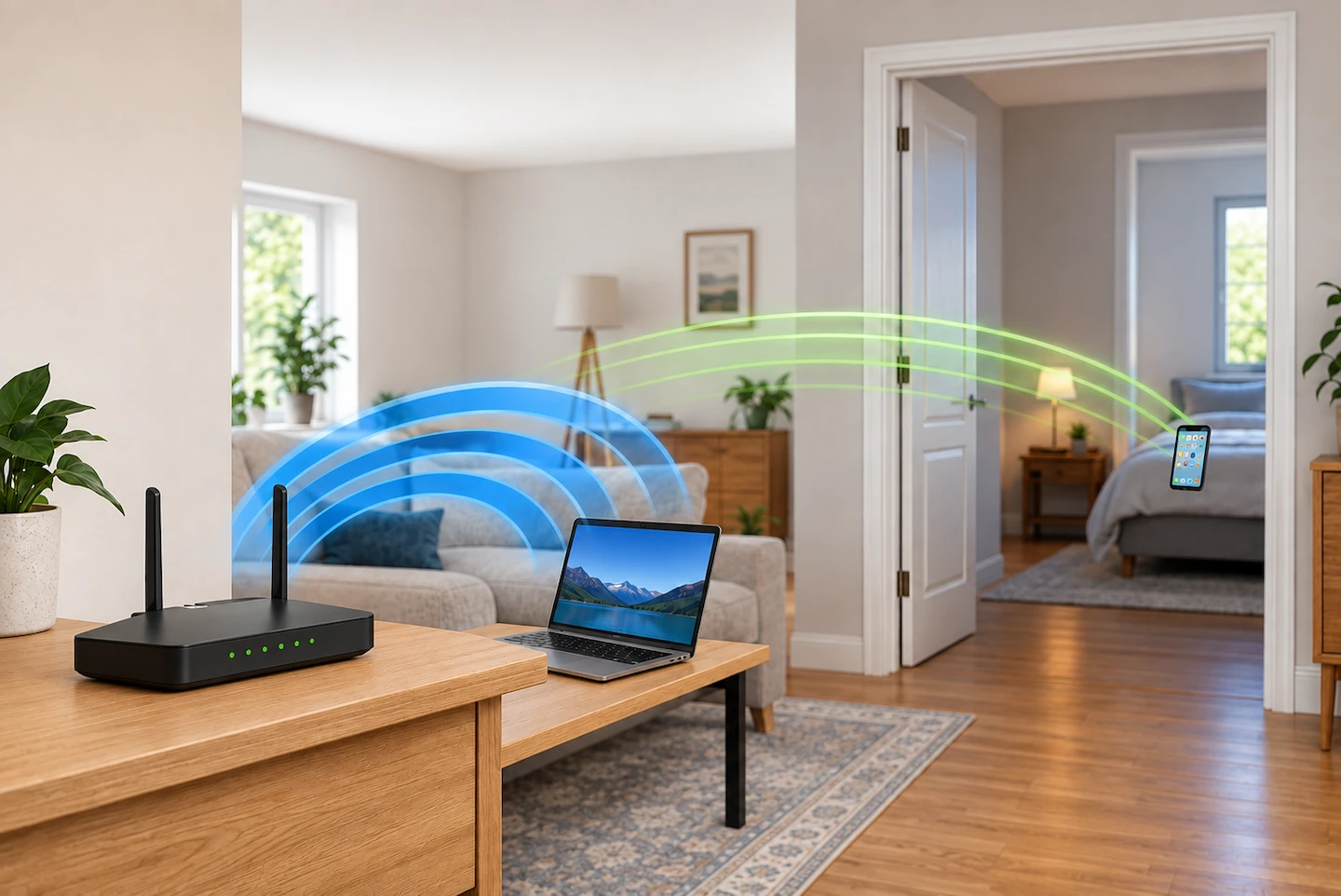
If you’re comparing 2.4GHz vs 5GHz Wi-Fi at home, it can be difficult to know which one you should use. Neither band is automatically better. The useful choice depends mainly on how far the device is from your router, what is between them and whether the device supports both bands. You may not need to … Read more

How Much Storage Do You Need for a Computer Backup?

Computer with an external drive for backup storage

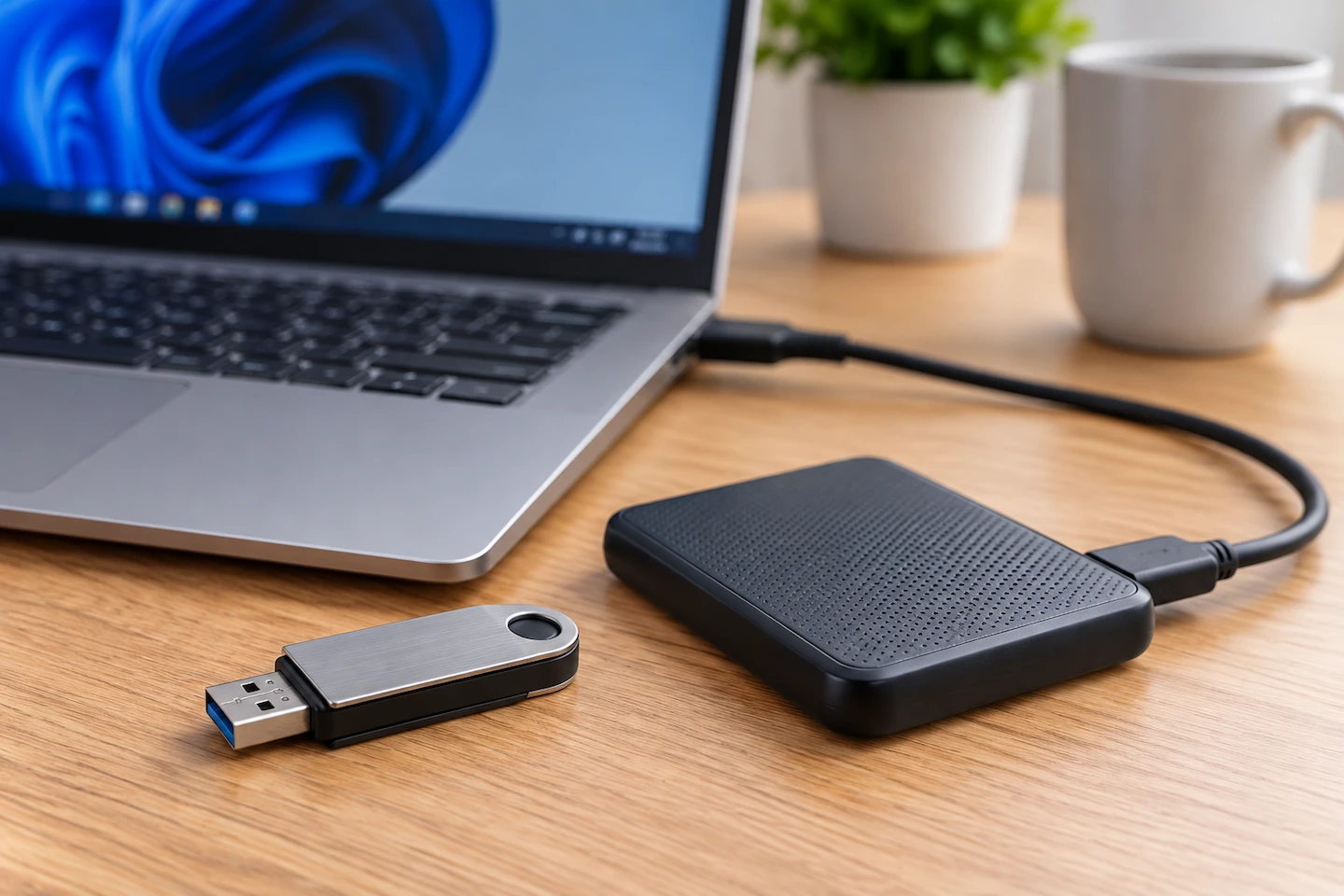
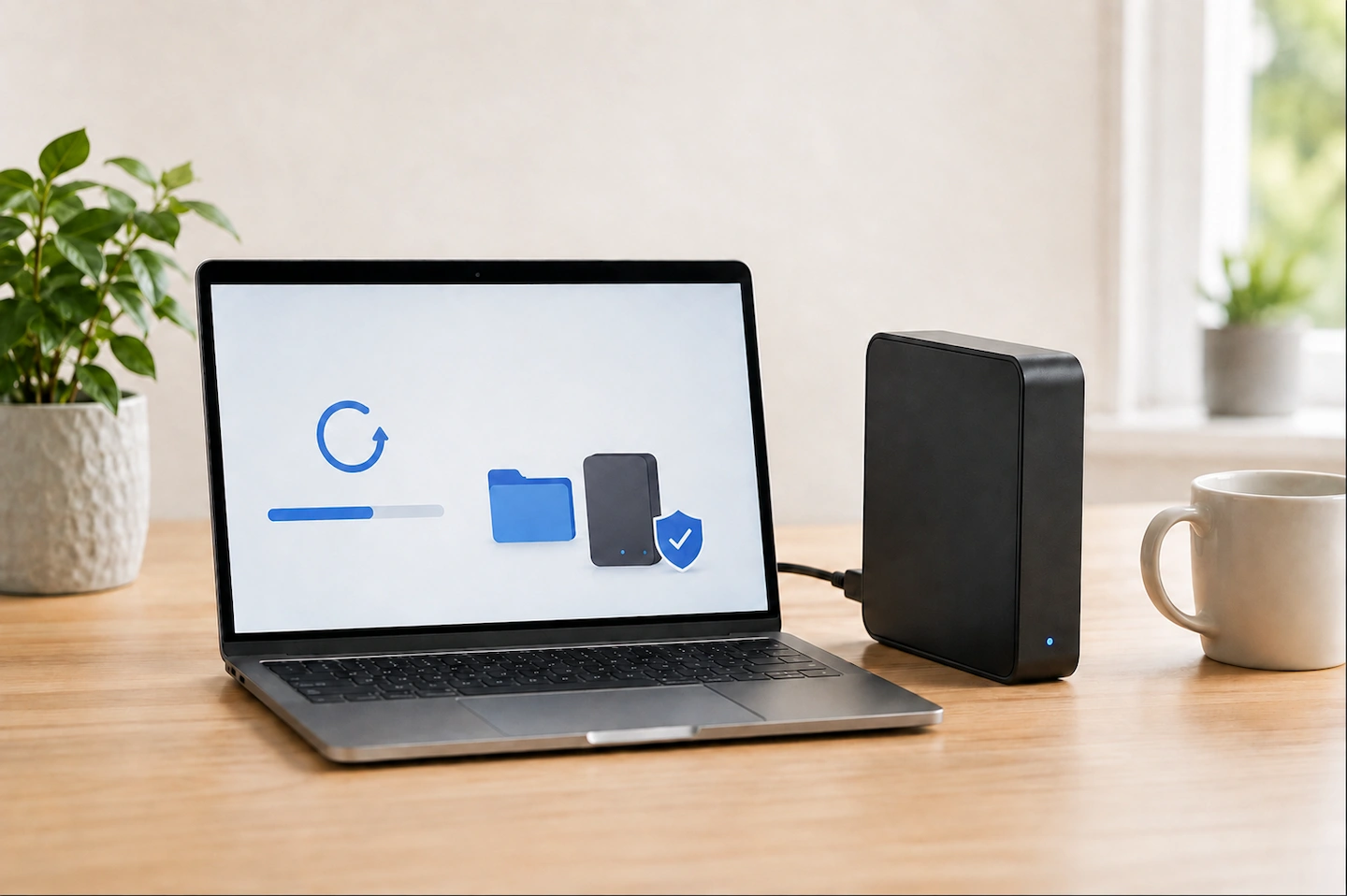
How much storage do you need for a computer backup? Do not automatically start with the size printed on your laptop or PC. A computer with a 1TB drive might contain only 300GB of files and other data that you actually want to protect. The useful starting point is how much data needs backing up, … Read more

HDMI Connected but Monitor Says No Signal

HDMI cable connected to a monitor showing No Signal

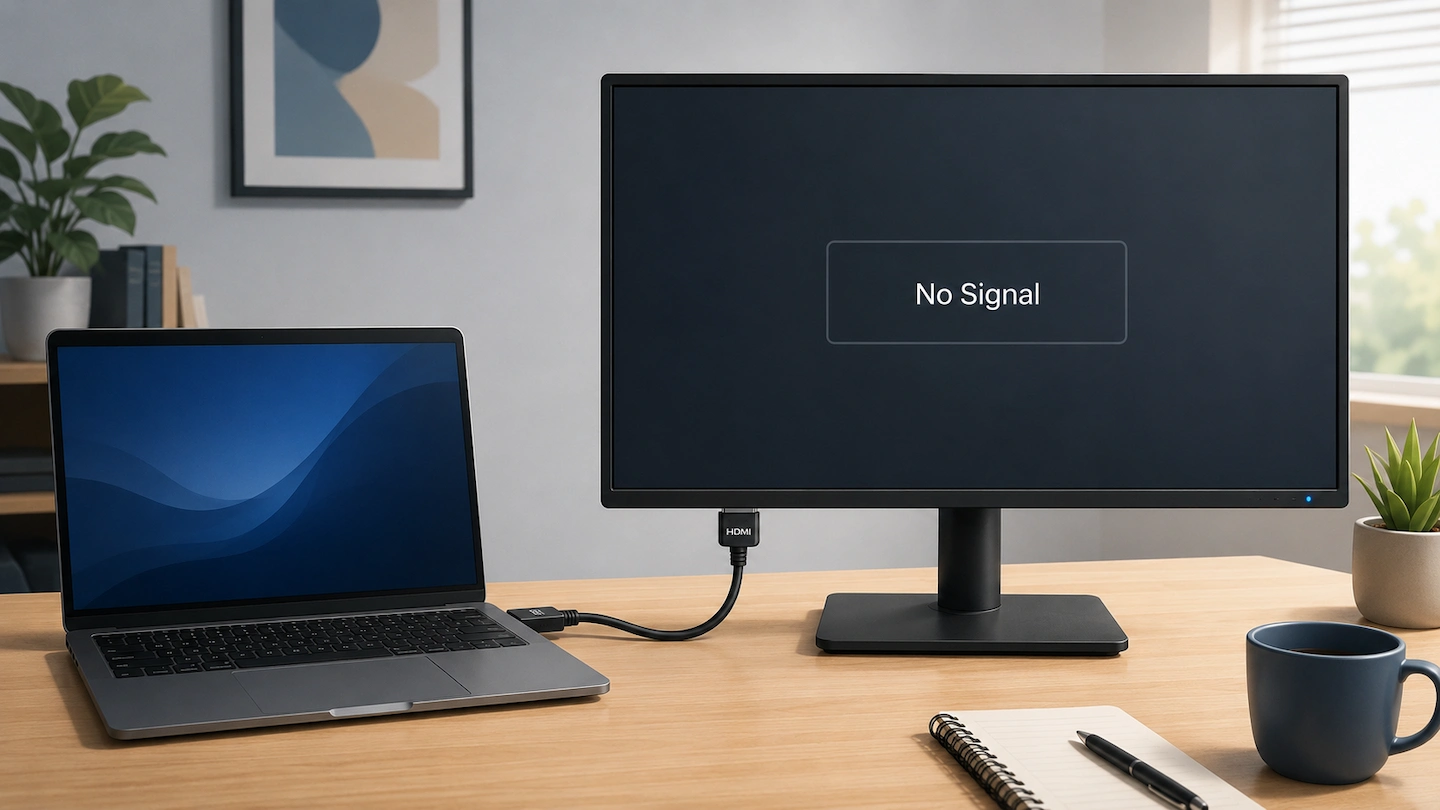
An HDMI no signal message can be confusing when the cable is clearly plugged into both the computer and monitor. The connection may look correct, but that does not prove that a usable video signal is reaching the display. The most useful approach is to follow the HDMI connection from the computer to the monitor … Read more

Printer Won’t Print but Everything Looks Connected

Printer won't print but everything looks connected

If your printer won’t print but everything looks connected, the problem is not necessarily the Wi-Fi, cable or printer itself. Windows may be able to see the printer even though the print job is failing somewhere else along the way. Instead of changing several settings at once, start by checking the printer itself, make sure … Read more