How to Tell Whether Slow Internet Is Your Wi-Fi or Broadband

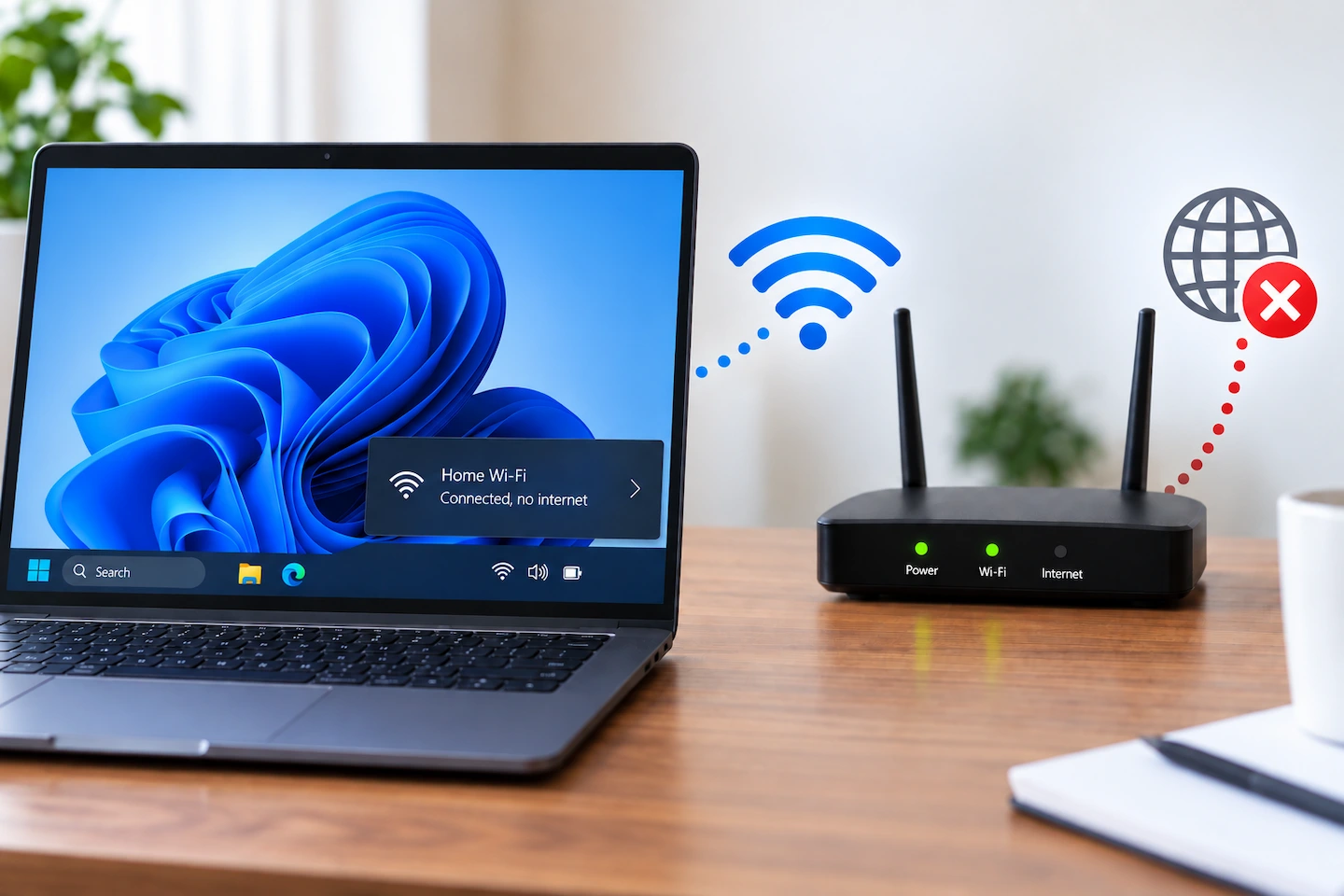
Home router providing Wi-Fi to devices while diagnosing slow internet

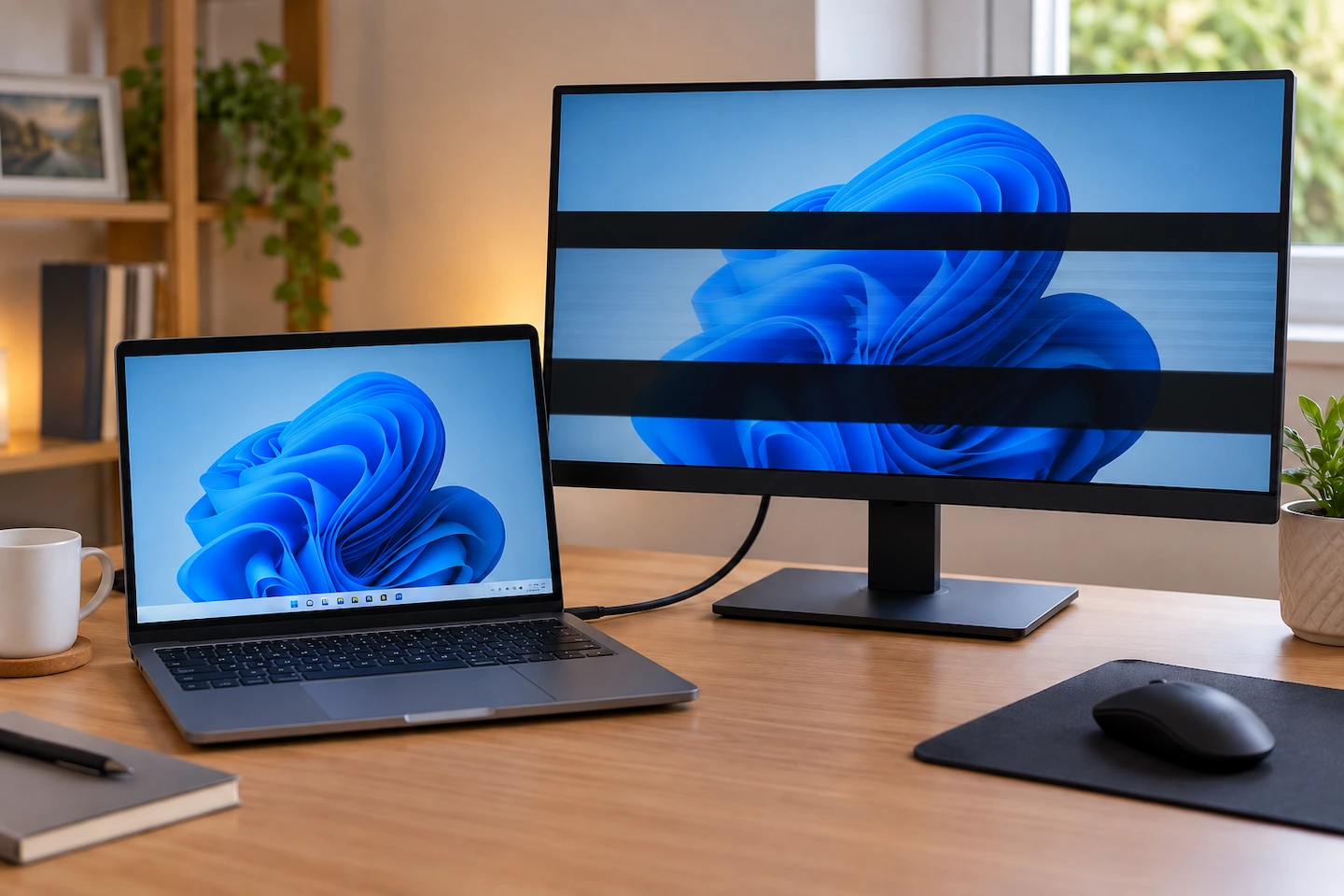
When the internet feels slow, it is easy to blame the Wi-Fi. But the slowdown could be coming from your broadband connection, the Wi-Fi connection inside your home, or even one particular computer or phone. Before changing router settings, buying extra Wi-Fi equipment or contacting your broadband provider, it helps to work out where the … Read more

Where Should You Put Your Wi-Fi Router at Home?

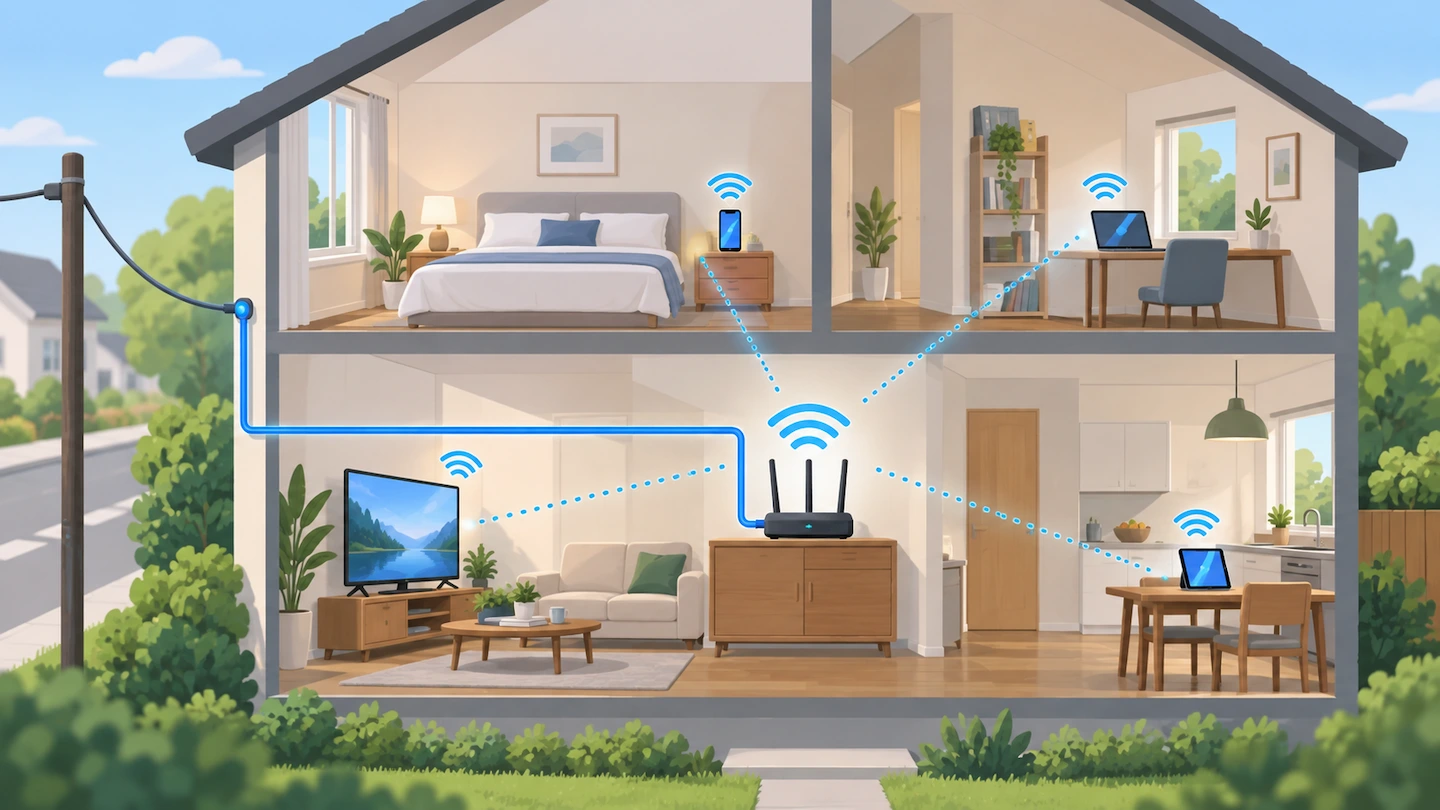
Wi-Fi router on an open console table in a central part of a home

Knowing where to put your Wi-Fi router can make a noticeable difference to wireless coverage around your home. A router hidden in a cupboard, sitting on the floor or positioned at one far end of the property may have a harder job reaching the rooms where you actually use Wi-Fi. There is no single perfect … Read more

How to Back Up Files to an External Drive in Windows 11

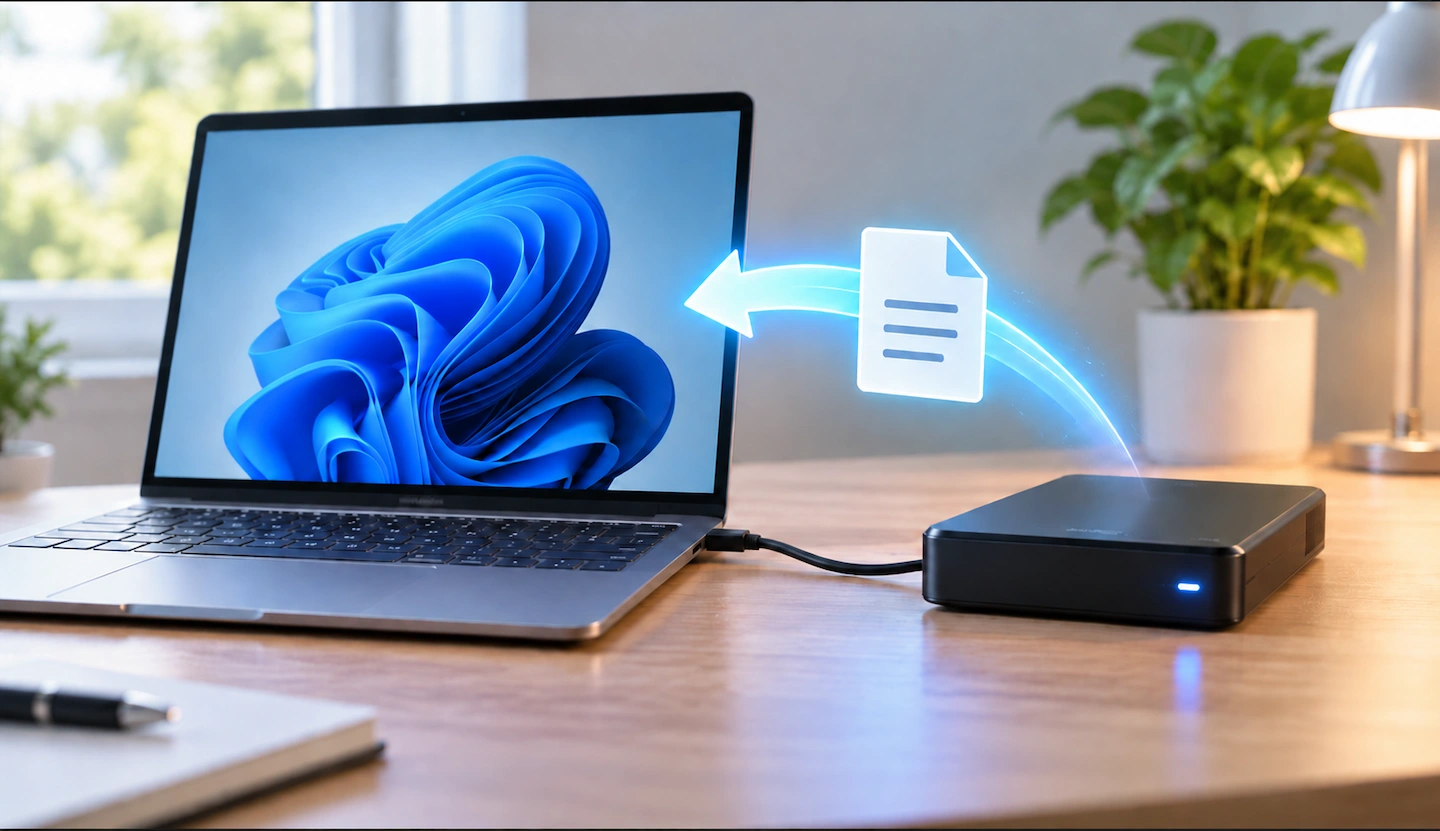
Windows 11 computer connected to an external drive for a file backup

You can back up files to an external drive in Windows 11 without installing extra backup software. For a simple backup, you can copy your important files and folders to the drive using File Explorer. If you want Windows to keep making updated copies for you, File History is the better built-in option. The important … Read more

Windows Backup vs OneDrive: What’s the Difference?

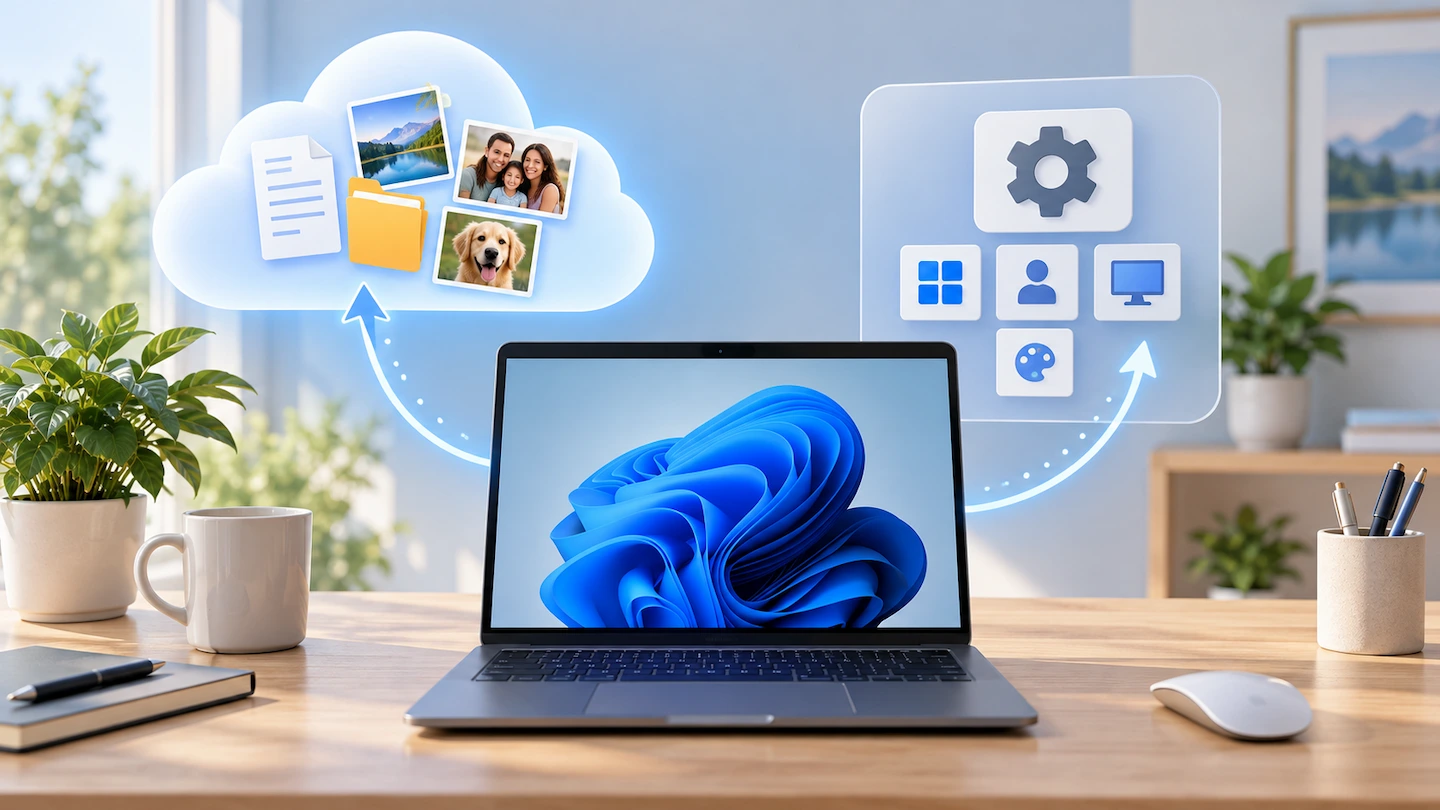
Windows Backup vs OneDrive shown as cloud files and Windows settings on a PC

Windows Backup vs OneDrive can be confusing because Windows 11 presents them as related ways to protect your information. They are related, but they are not two separate backup systems doing the same job. OneDrive mainly handles your files, while Windows Backup brings those files together with supported Windows settings and app information to make … Read more

Windows 11 Storage Full: What Can You Safely Remove?

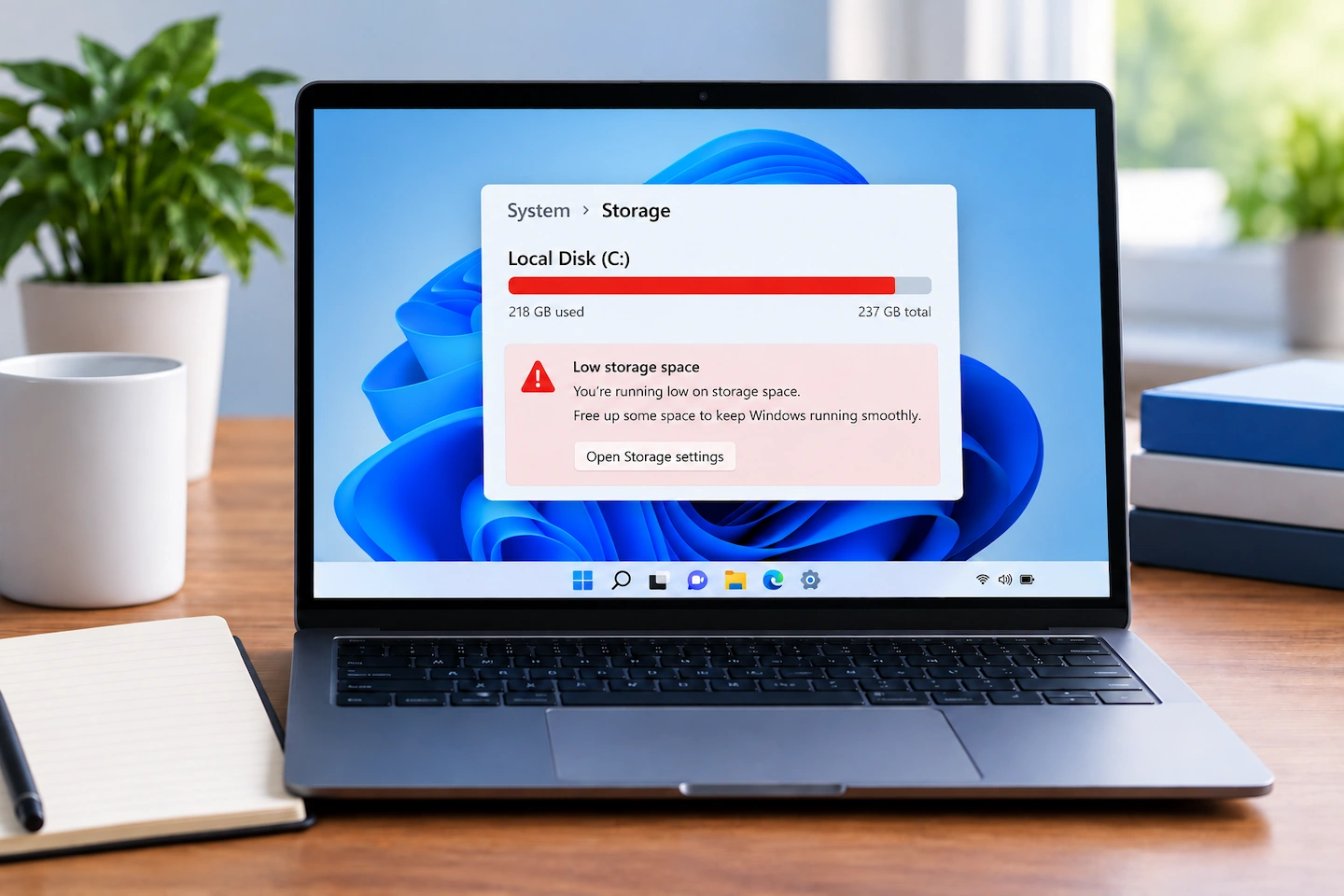
Windows 11 storage full warning on a laptop screen

Windows 11 storage full? You do not need to start deleting unfamiliar folders or system files. The safest approach is to first find out what is actually using the space. Windows can show you whether the problem is temporary files, installed apps, personal files or something else. Once you know where the space is going, … Read more

What Files Should You Back Up on a Home Computer?

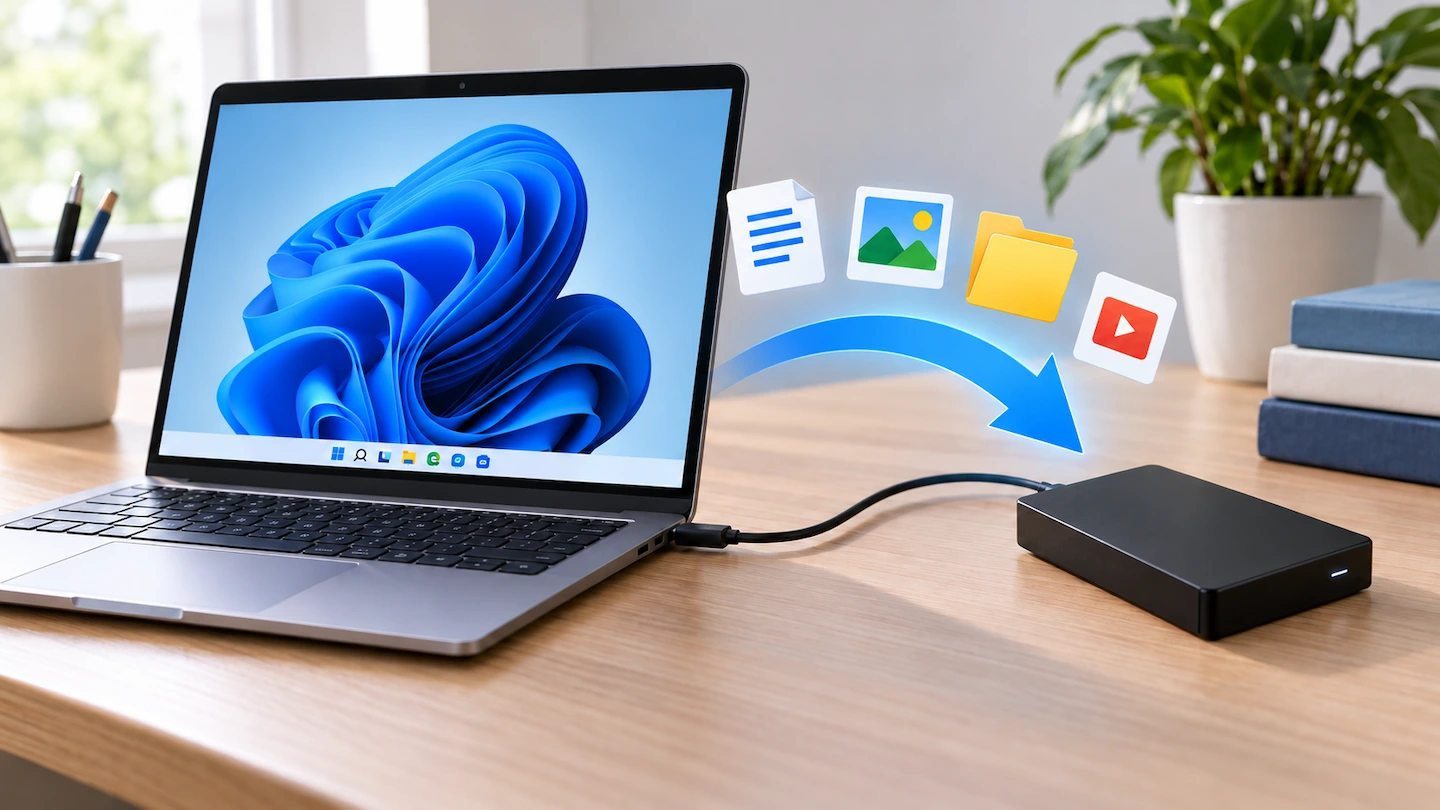
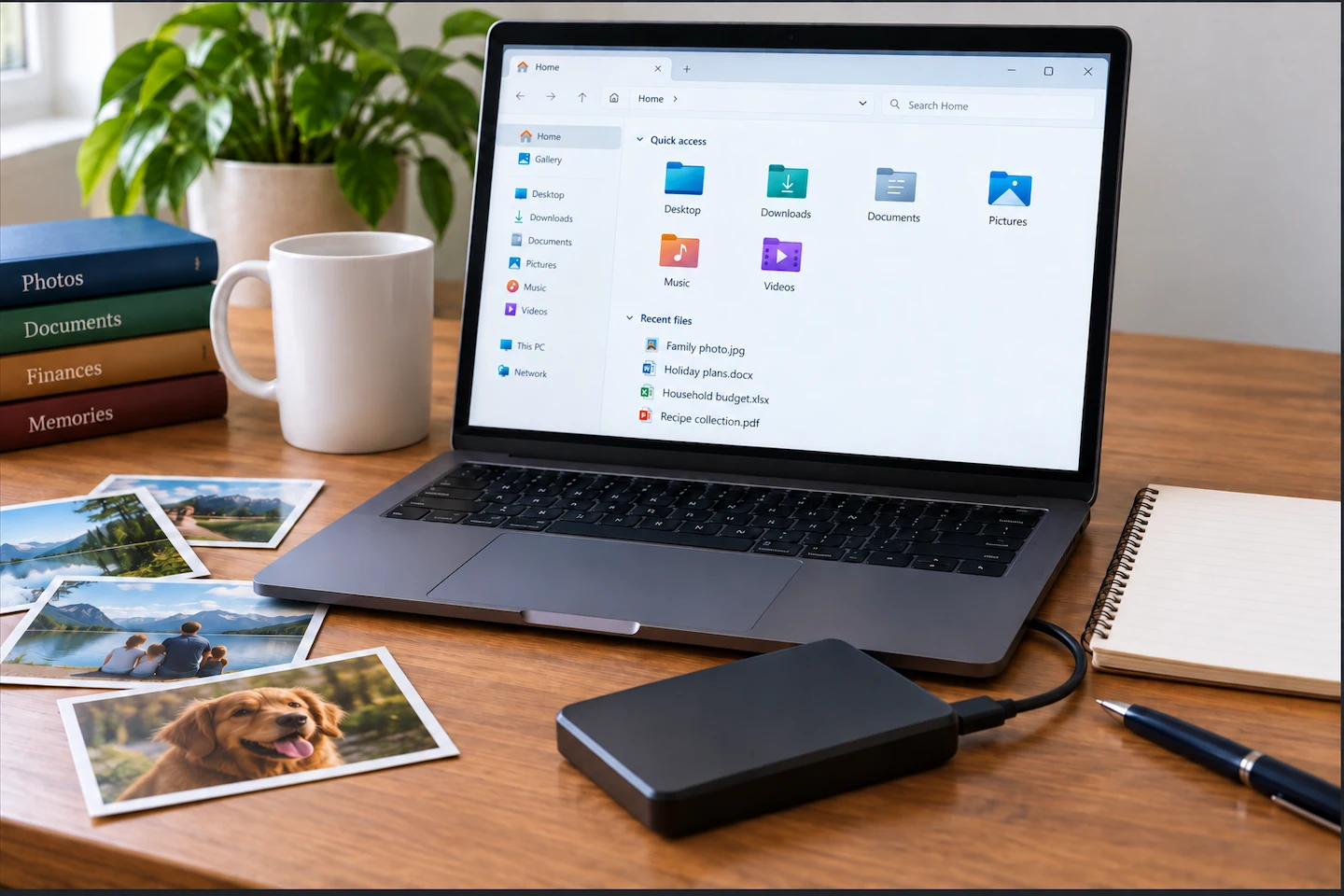
Laptop showing personal files with an external drive for backup

What files should you back up? Start with the ones you would struggle to replace. You do not normally need to copy every file on a home computer. For most people, that means documents, photos, videos and other personal files before Windows or programs that can usually be reinstalled. Quick answer: Back up files that … Read more