Wireless Printer Works on One Computer but Not Another

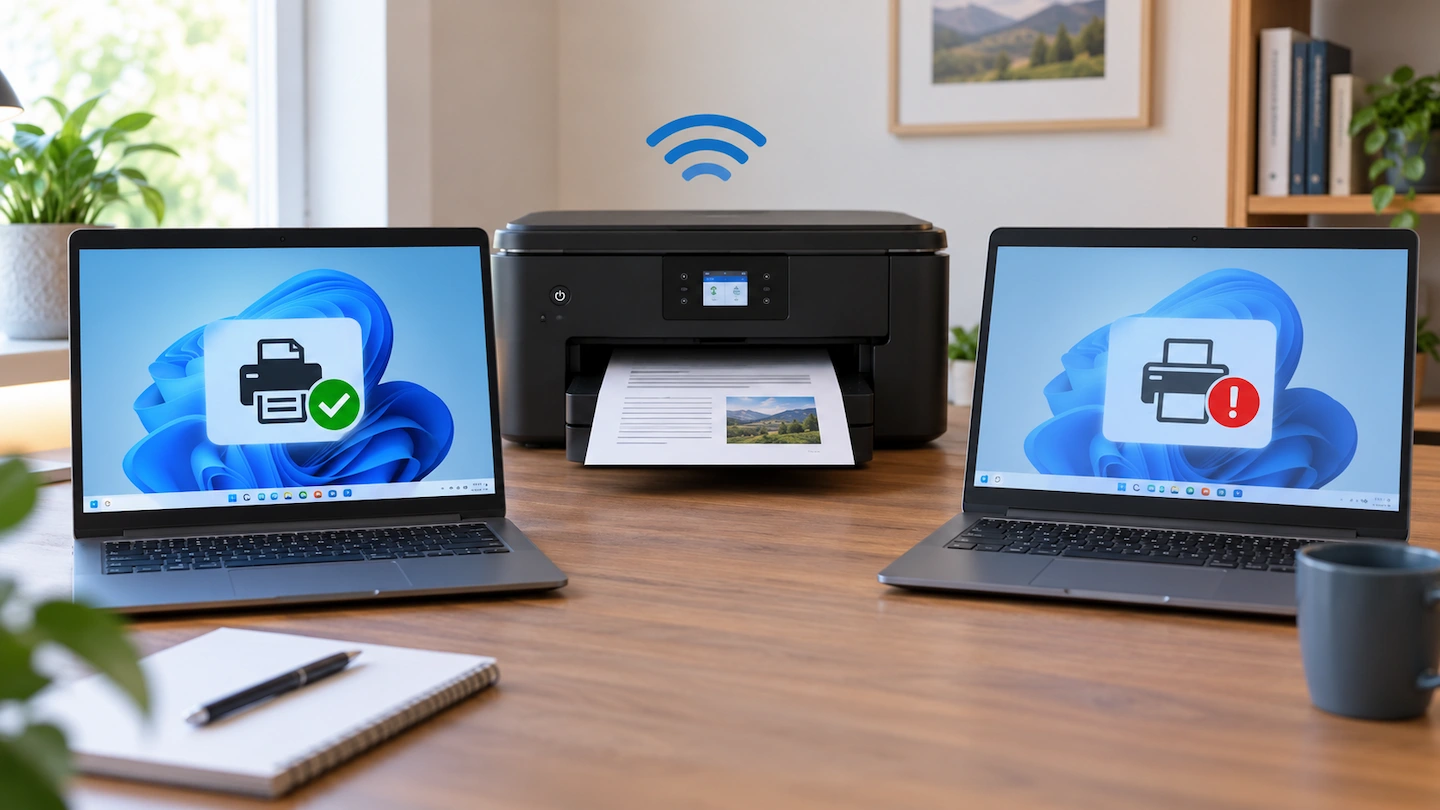
Wireless printer works on one computer but not another

If your wireless printer works on one computer but not another, that is an important troubleshooting clue. It suggests the printer itself can still print and has at least one working connection, so the best place to start is usually the computer that cannot print. Rather than resetting the printer or changing your Wi-Fi settings, … Read more

Printer Won’t Print but Everything Looks Connected

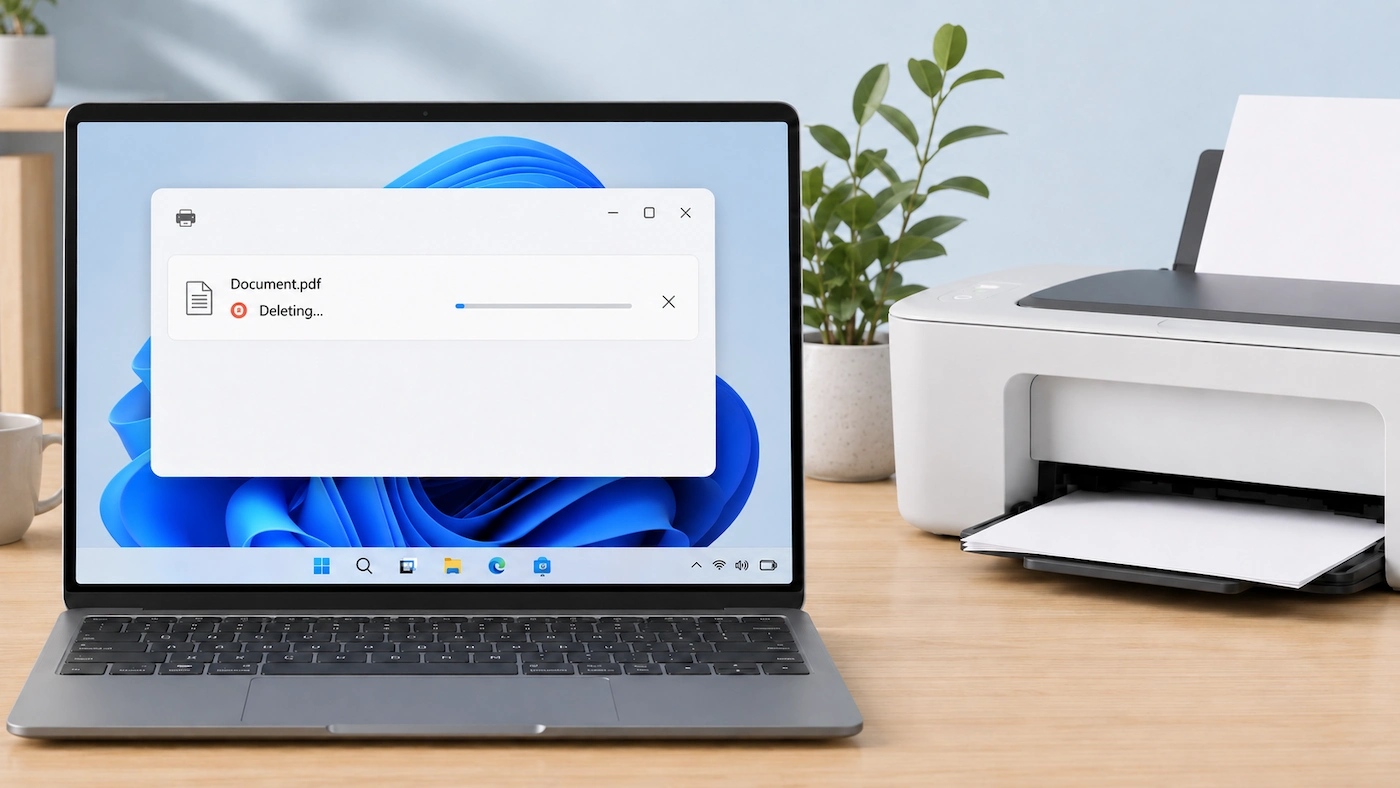
Printer won't print but everything looks connected

If your printer won’t print but everything looks connected, the problem is not necessarily the Wi-Fi, cable or printer itself. Windows may be able to see the printer even though the print job is failing somewhere else along the way. Instead of changing several settings at once, start by checking the printer itself, make sure … Read more

Why Does My Wi-Fi Printer Keep Going Offline?

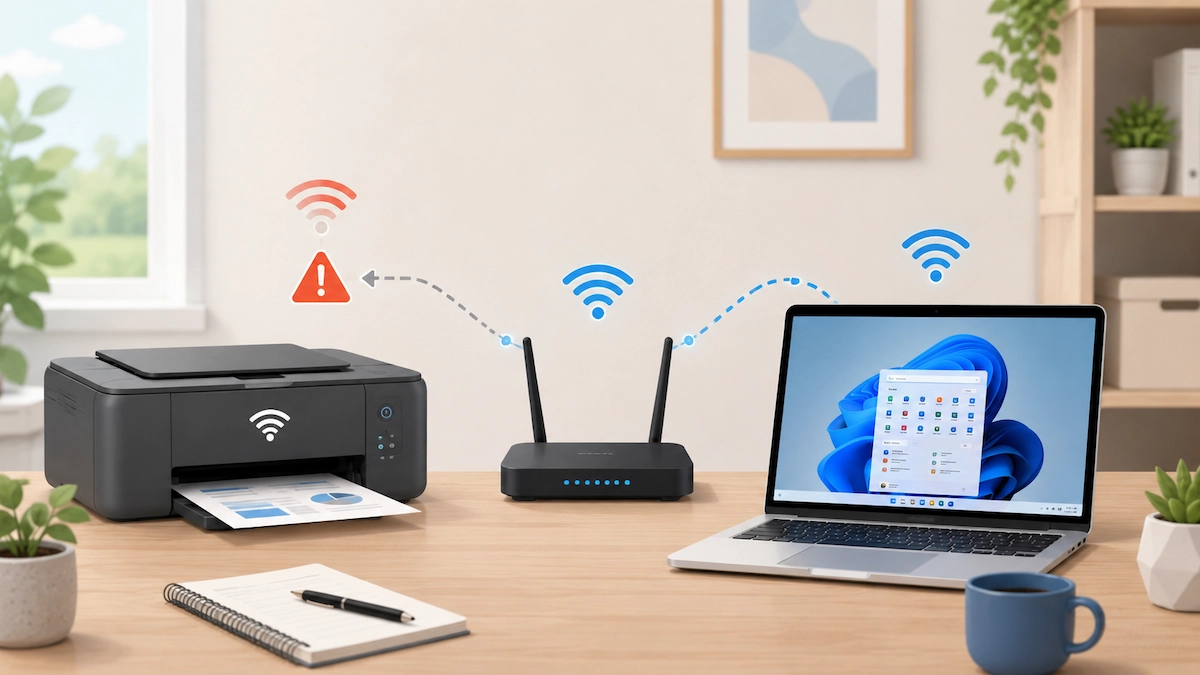
Wi-Fi printer with an intermittent connection to a home router and Windows laptop

If your Wi-Fi printer works normally and then keeps going Offline again, repeatedly restarting it may get you printing without explaining why the problem keeps returning. The most useful approach is to check what still works at the moment the fault happens. That can help you work out whether the recurring problem is with the … Read more

Printer Connected to Wi-Fi but Computer Can’t Find It

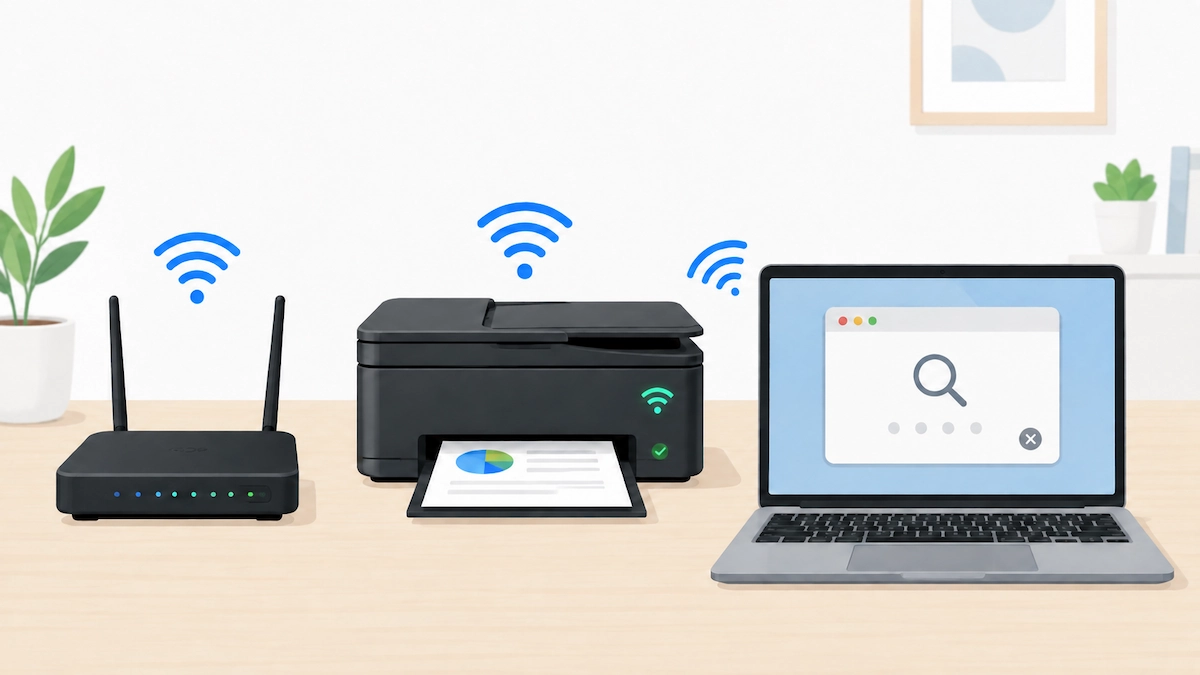
Wireless printer connected to Wi-Fi while a Windows laptop searches for it

Printer connected to Wi-Fi but computer can’t find it? Do not start by reinstalling drivers or changing router settings. First check that the printer is really connected to the network you expect, then work out whether the problem affects the printer generally or only this Windows PC. The steps below focus on Windows 11. The … Read more