Why Doesn’t My USB-C to HDMI Adapter Work?

USB-C to HDMI adapter not working with an external monitor

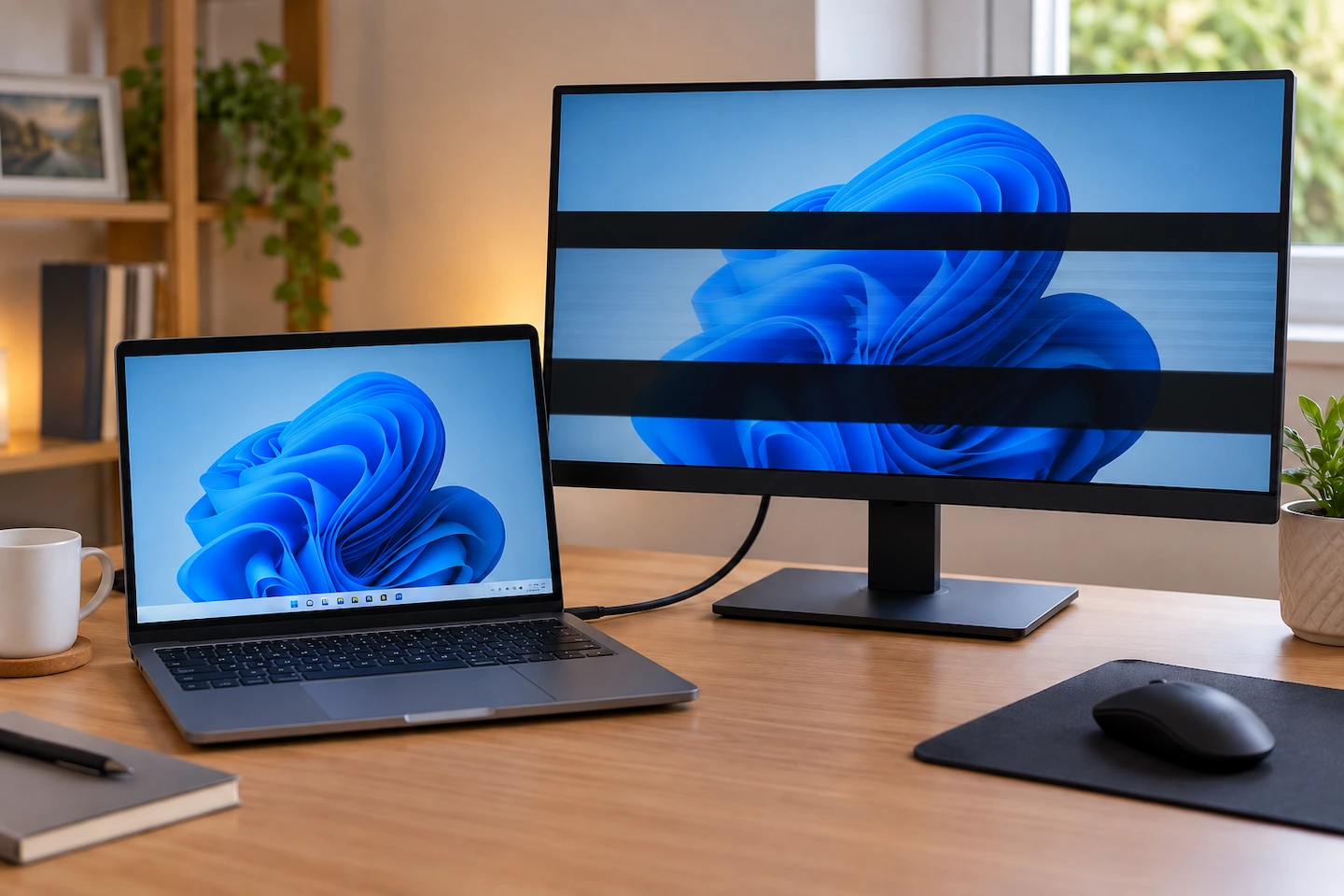
USB-C to HDMI adapter not working? The monitor or TV may show No Signal, stay blank or fail to appear in Windows. That does not automatically mean the adapter is faulty. The problem could be the USB-C port, the HDMI cable, the display input, the adapter itself or the way Windows is using the external … Read more

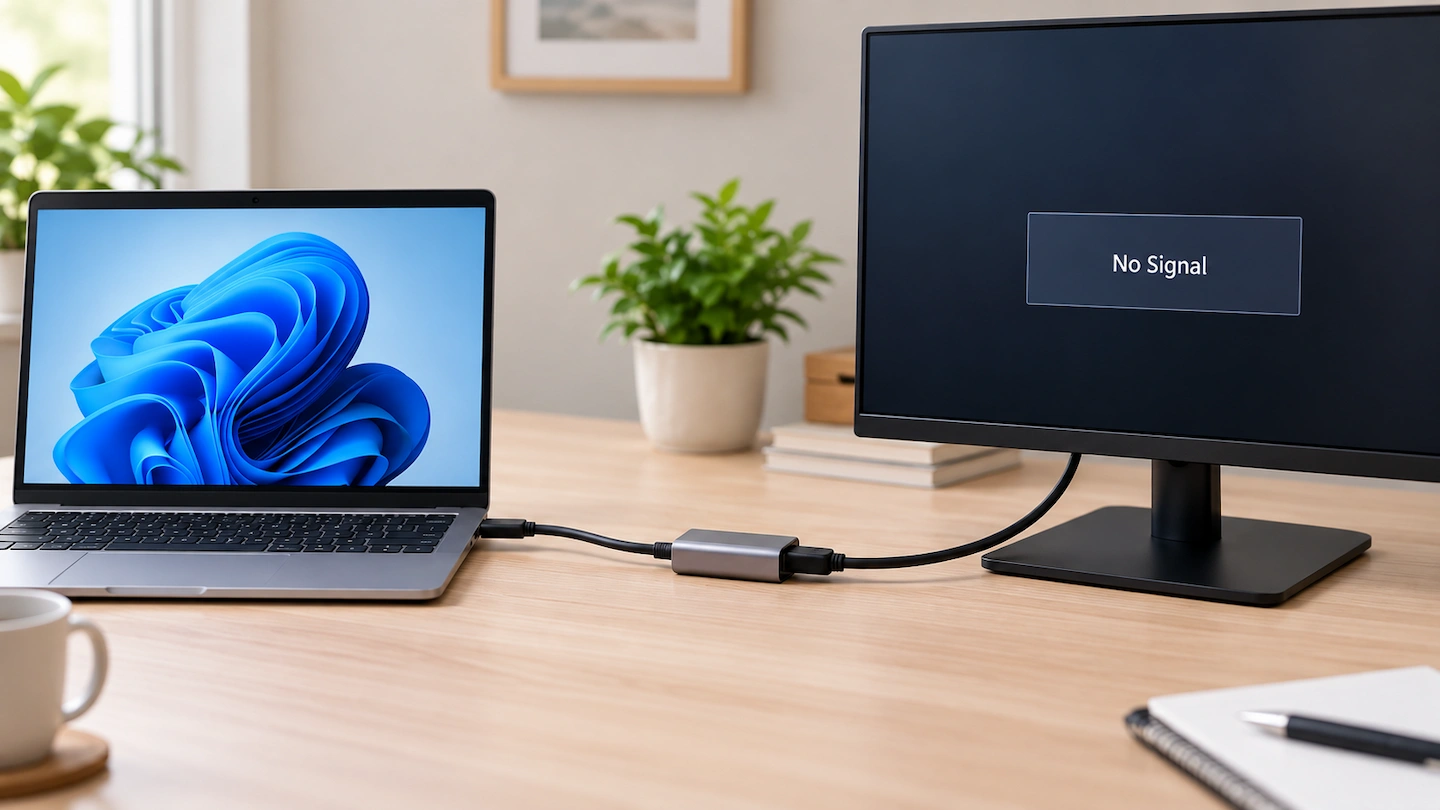
HDMI Connected but Monitor Says No Signal

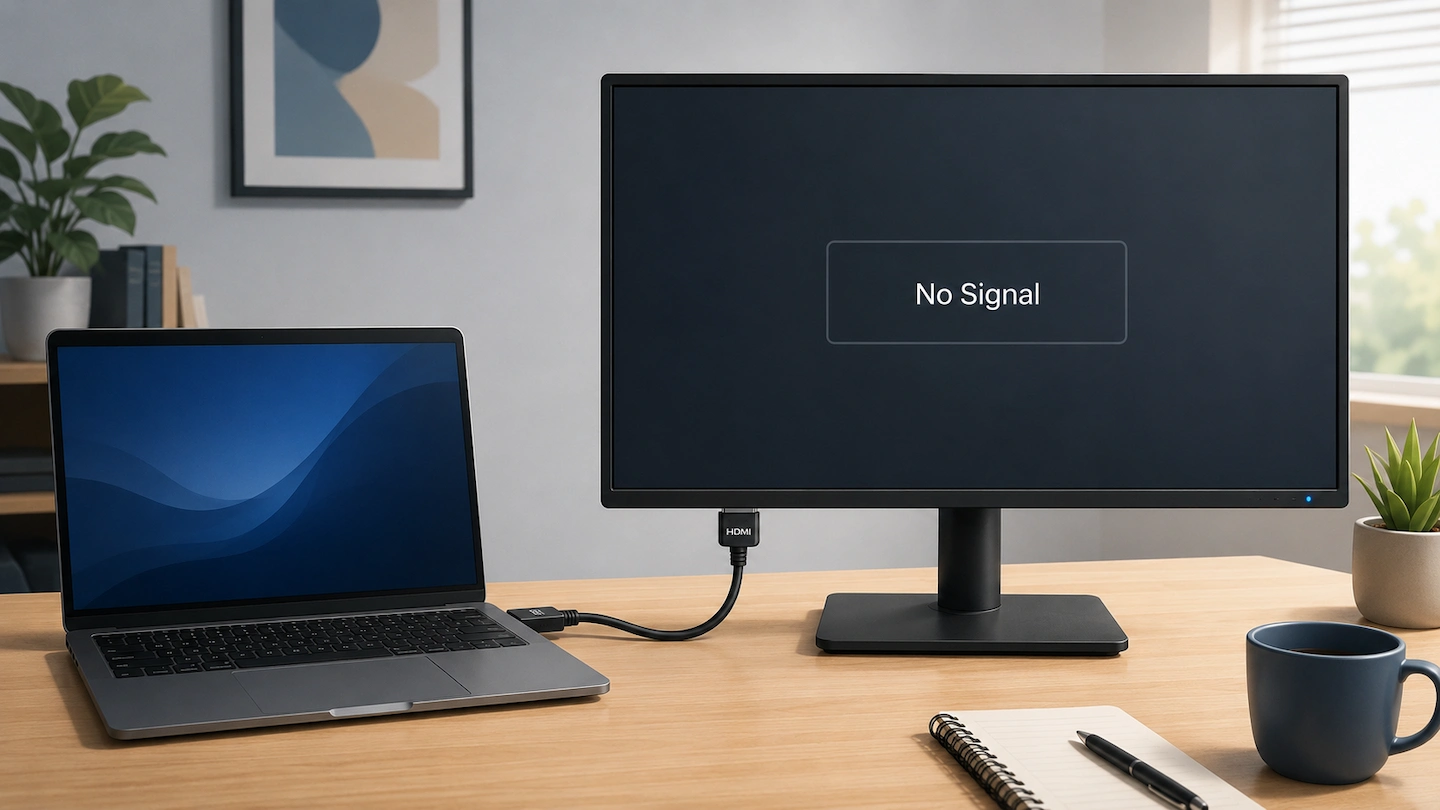
HDMI cable connected to a monitor showing No Signal

An HDMI no signal message can be confusing when the cable is clearly plugged into both the computer and monitor. The connection may look correct, but that does not prove that a usable video signal is reaching the display. The most useful approach is to follow the HDMI connection from the computer to the monitor … Read more

USB-C Hub vs Docking Station: Which Do You Need?

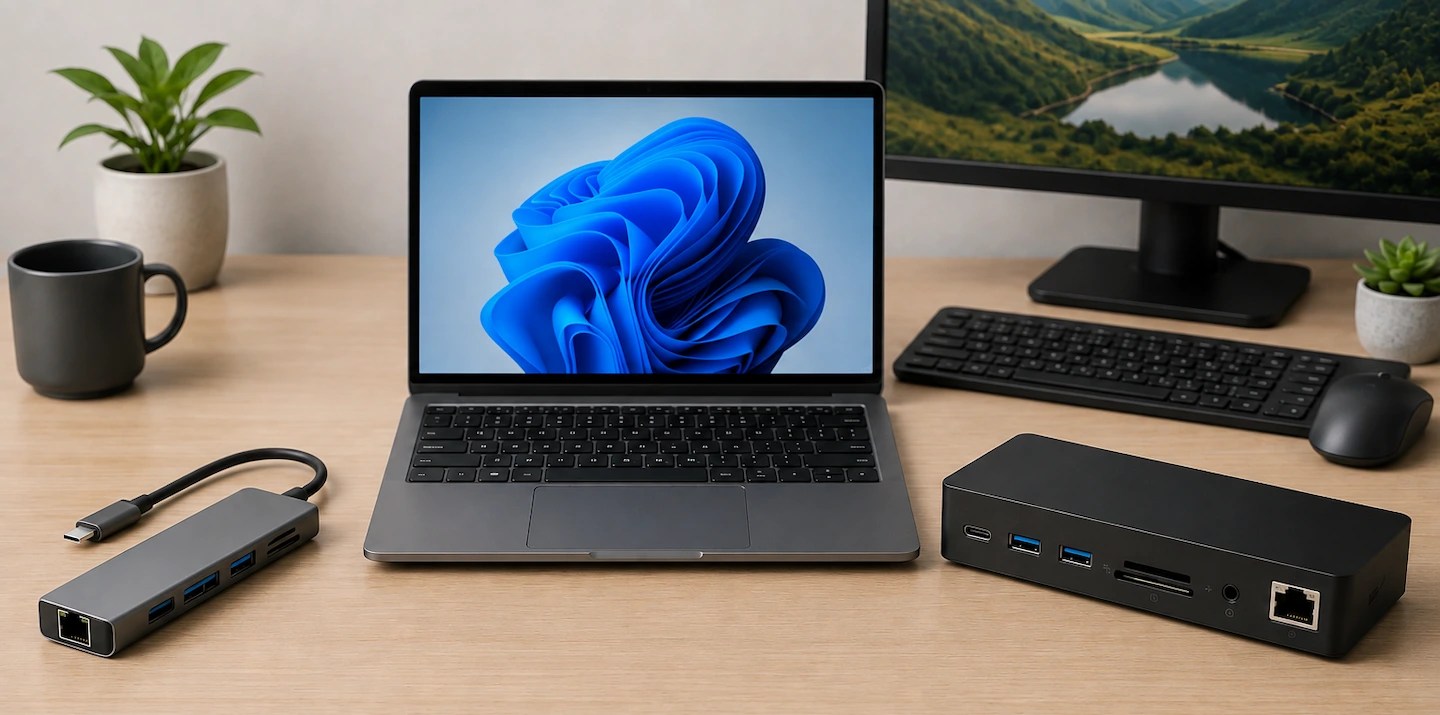
USB-C hub and docking station beside a laptop

If you’re comparing a USB-C hub vs docking station, the right choice depends less on the label and more on what you actually need to connect. The confusing part is deciding which one you actually need. The terms USB-C hub and docking station overlap, and two products with similar-looking connections can have very different capabilities. … Read more

Monitor Says No Signal: Simple Checks to Try First

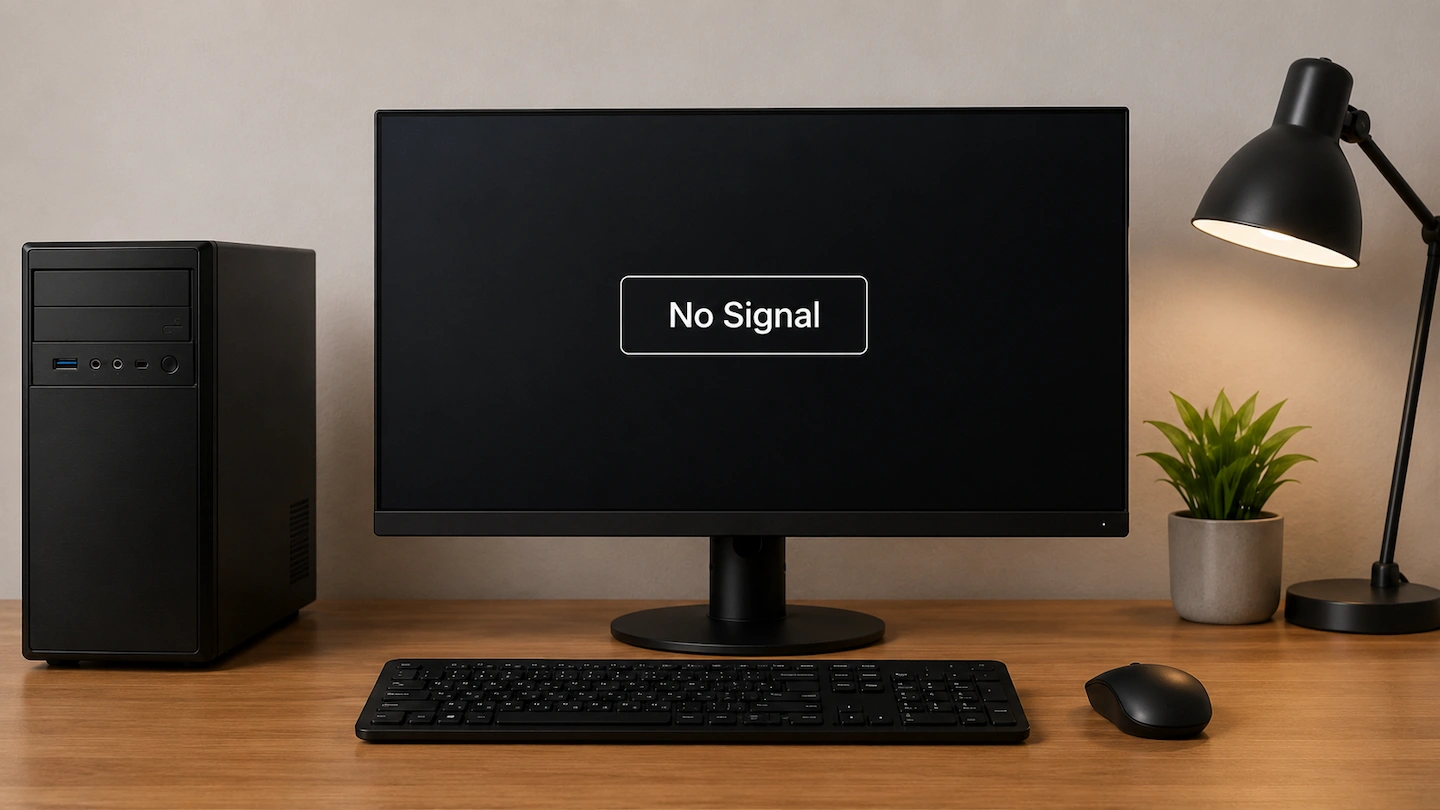
Monitor says No Signal while connected to a computer

If your monitor says No Signal, the monitor has power but is not currently receiving a usable picture through the connection it is trying to use. That does not automatically mean the monitor, cable or computer has failed. Start with the monitor input and physical connection, then work through the signal path one part at … Read more

Does My Laptop USB-C Port Support a Monitor?

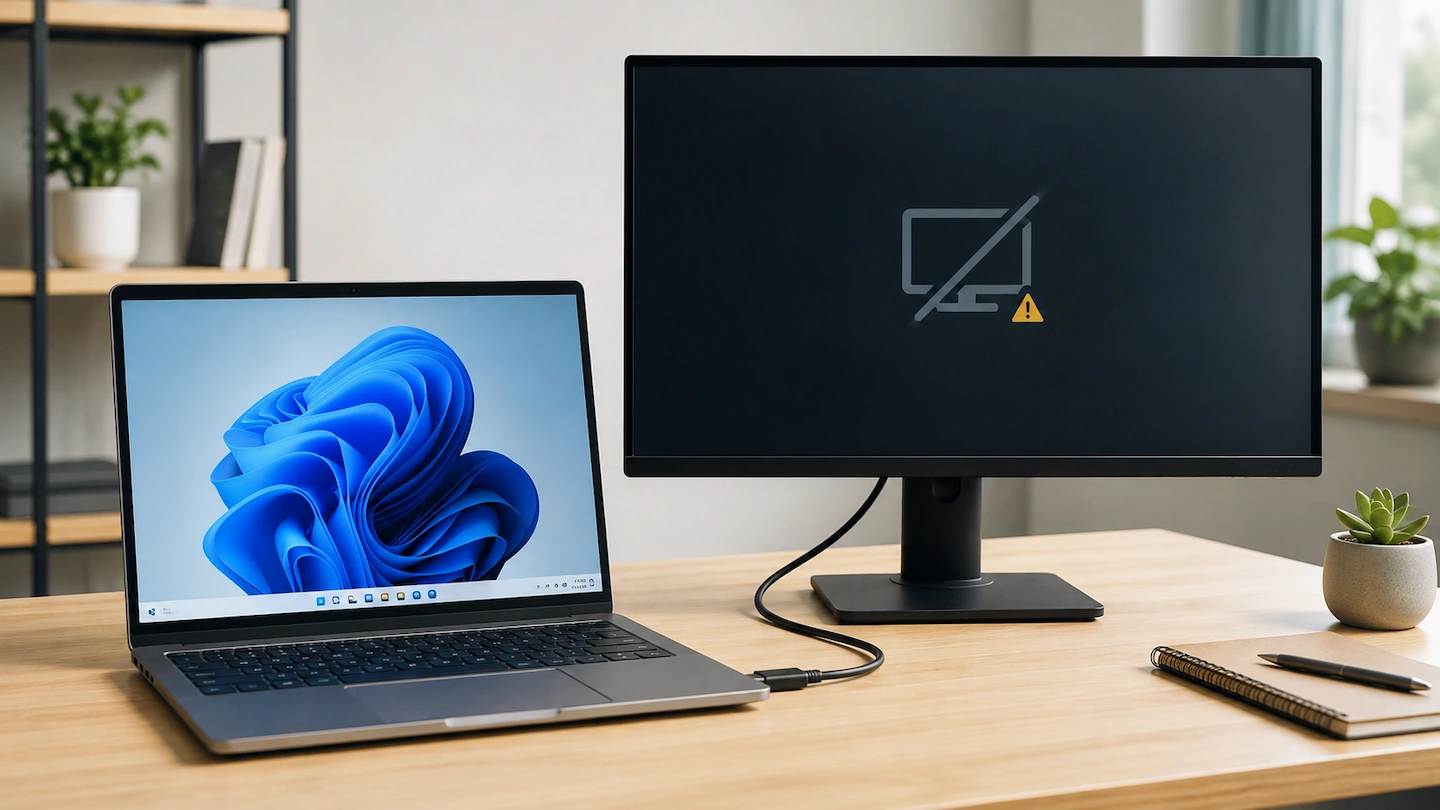
Laptop connected to an external monitor with a USB-C cable

Does my laptop USB-C port support a monitor? Seeing a USB-C port on your laptop does not automatically mean you can use it to connect an external display. USB-C ports can support different combinations of data, charging and video. The important question is not simply whether your laptop has USB-C, but what that particular USB-C … Read more

USB-C Monitor Charges Your Laptop but Shows No Picture

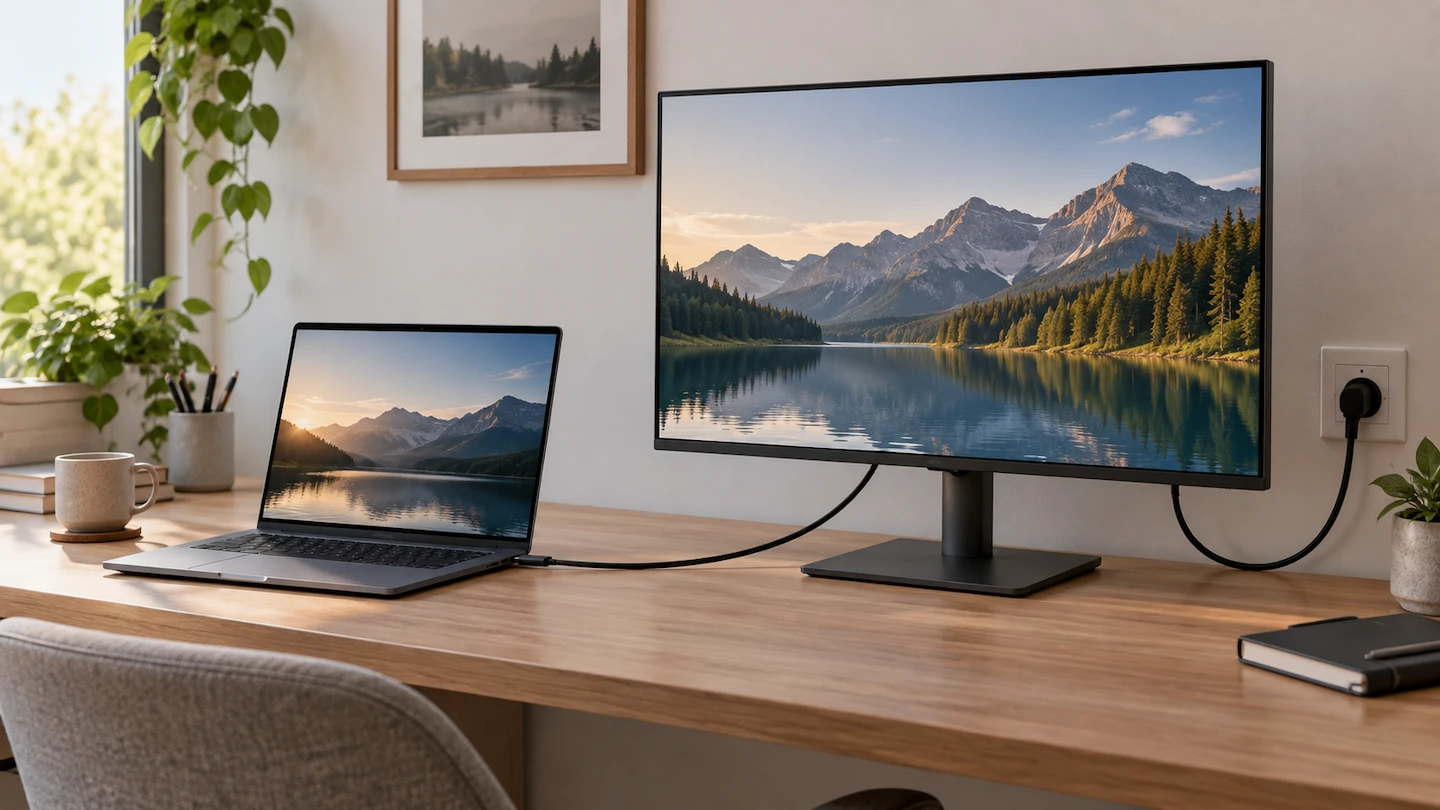
Laptop charging from a USB-C monitor that shows no picture

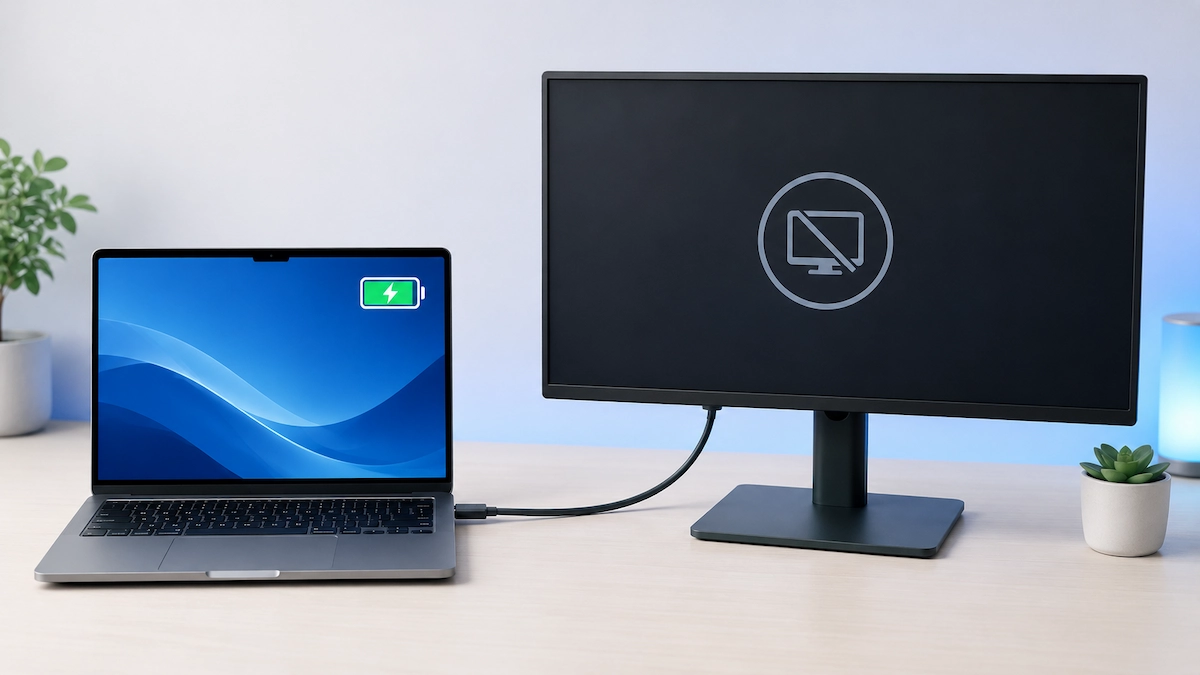
If your USB-C monitor charges your laptop but shows no picture, the connection is only partly telling you what is happening. Power is reaching the laptop, but that does not confirm that a working video signal is reaching the monitor. Start with the monitor input, cable and USB-C ports before changing Windows settings or assuming … Read more