Does My Laptop USB-C Port Support a Monitor?
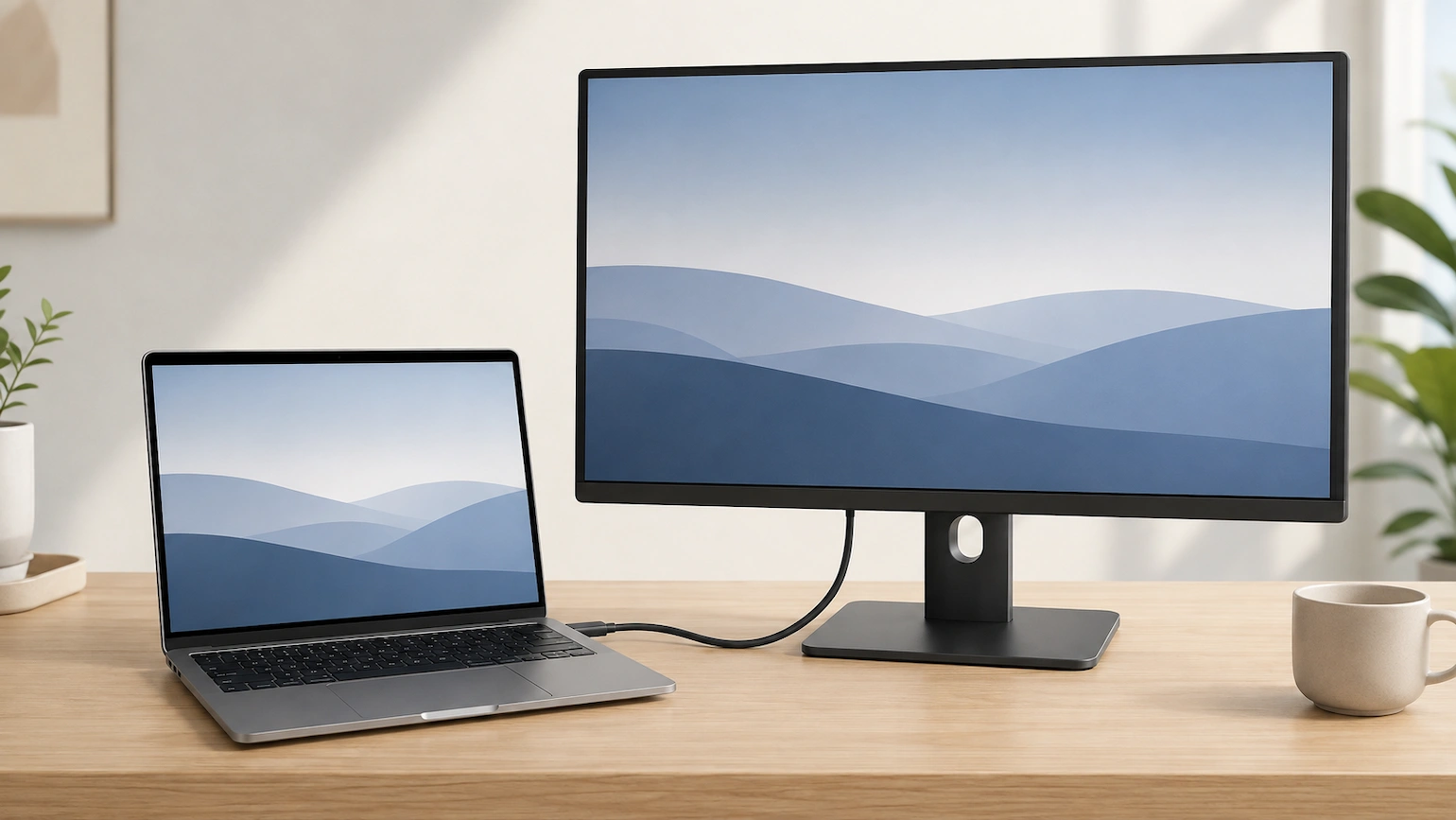
Laptop connected to an external monitor with a USB-C cable

Does my laptop USB-C port support a monitor? Seeing a USB-C port on your laptop does not automatically mean you can use it to connect an external display. USB-C ports can support different combinations of data, charging and video. The important question is not simply whether your laptop has USB-C, but what that particular USB-C … Read more
Printer Connected to Wi-Fi but Computer Can’t Find It

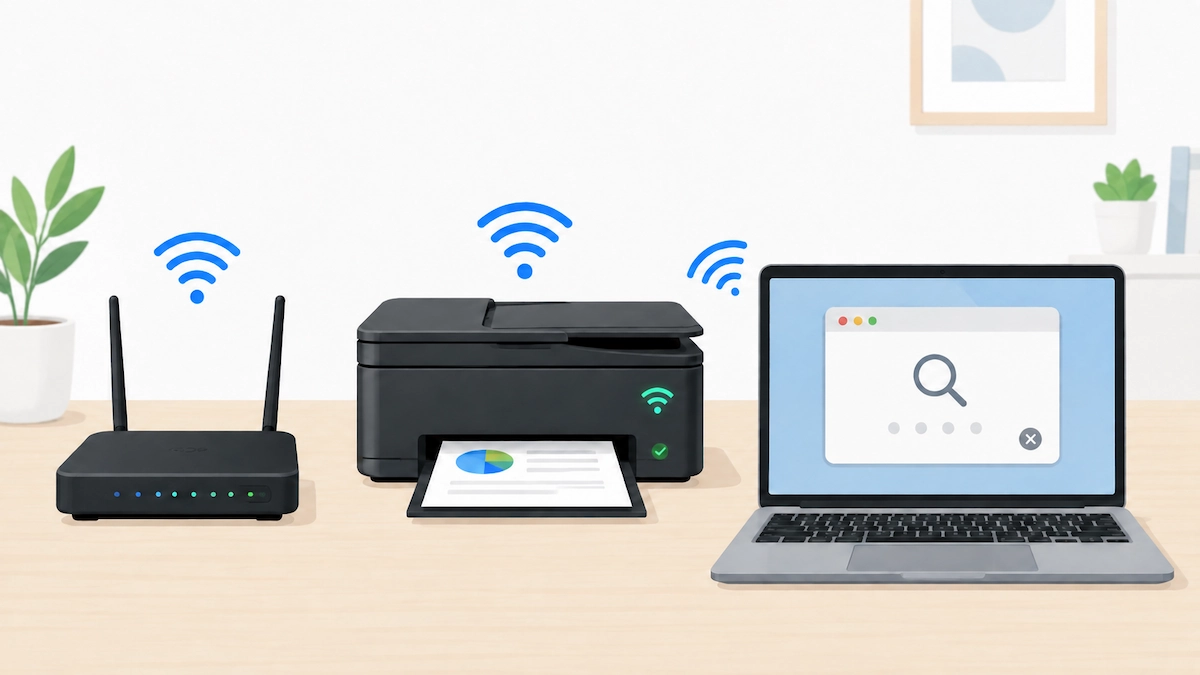
Wireless printer connected to Wi-Fi while a Windows laptop searches for it

Printer connected to Wi-Fi but computer can’t find it? Do not start by reinstalling drivers or changing router settings. First check that the printer is really connected to the network you expect, then work out whether the problem affects the printer generally or only this Windows PC. The steps below focus on Windows 11. The … Read more

Wi-Fi Works Downstairs but Not Upstairs: What to Try First

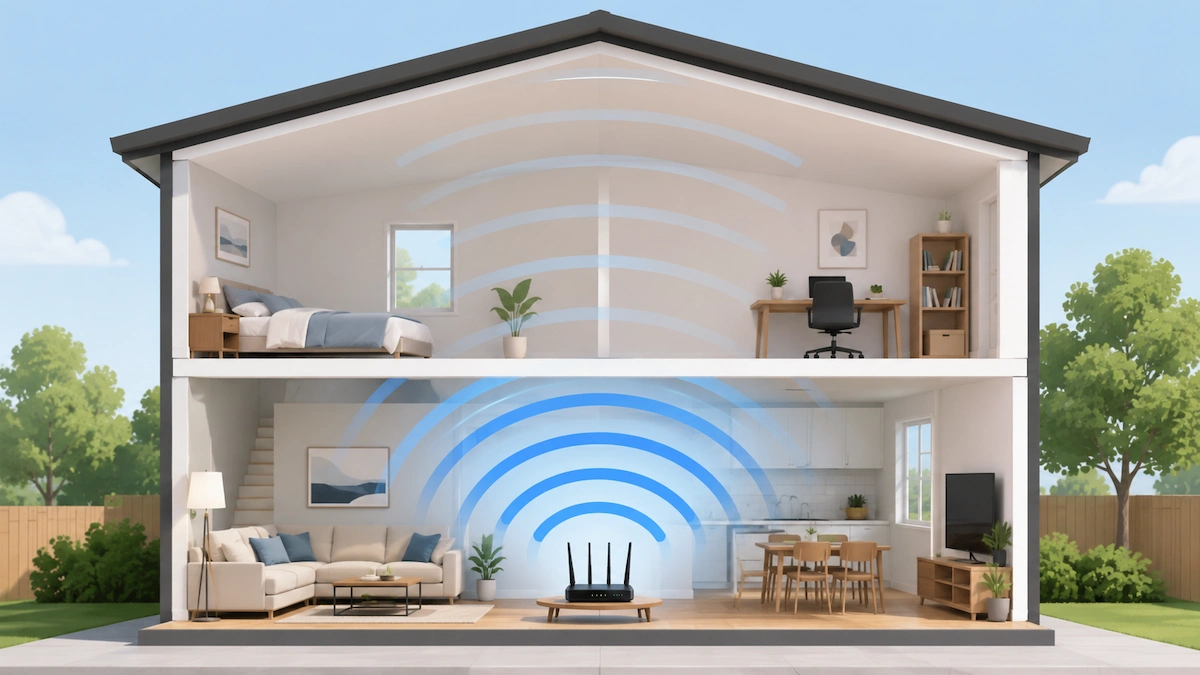
Router downstairs with weaker Wi-Fi coverage upstairs

If your Wi-Fi works downstairs but not upstairs, the problem may be the wireless coverage around your home rather than the broadband connection itself. Before changing router settings or buying a Wi-Fi booster, work out whether the problem affects the upstairs area or just one particular device. That distinction can save you from troubleshooting the … Read more

USB-C Monitor Charges Your Laptop but Shows No Picture

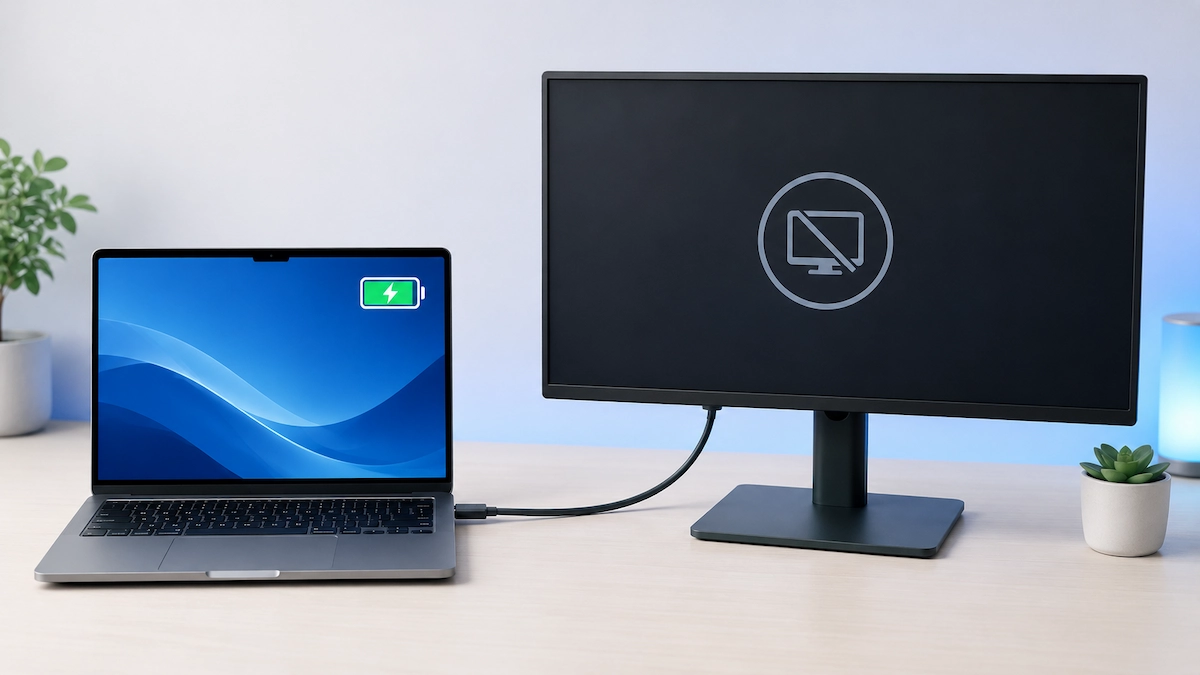
Laptop charging from a USB-C monitor that shows no picture

If your USB-C monitor charges your laptop but shows no picture, the connection is only partly telling you what is happening. Power is reaching the laptop, but that does not confirm that a working video signal is reaching the monitor. Start with the monitor input, cable and USB-C ports before changing Windows settings or assuming … Read more