What Is the 3-2-1 Backup Rule for Home Users?
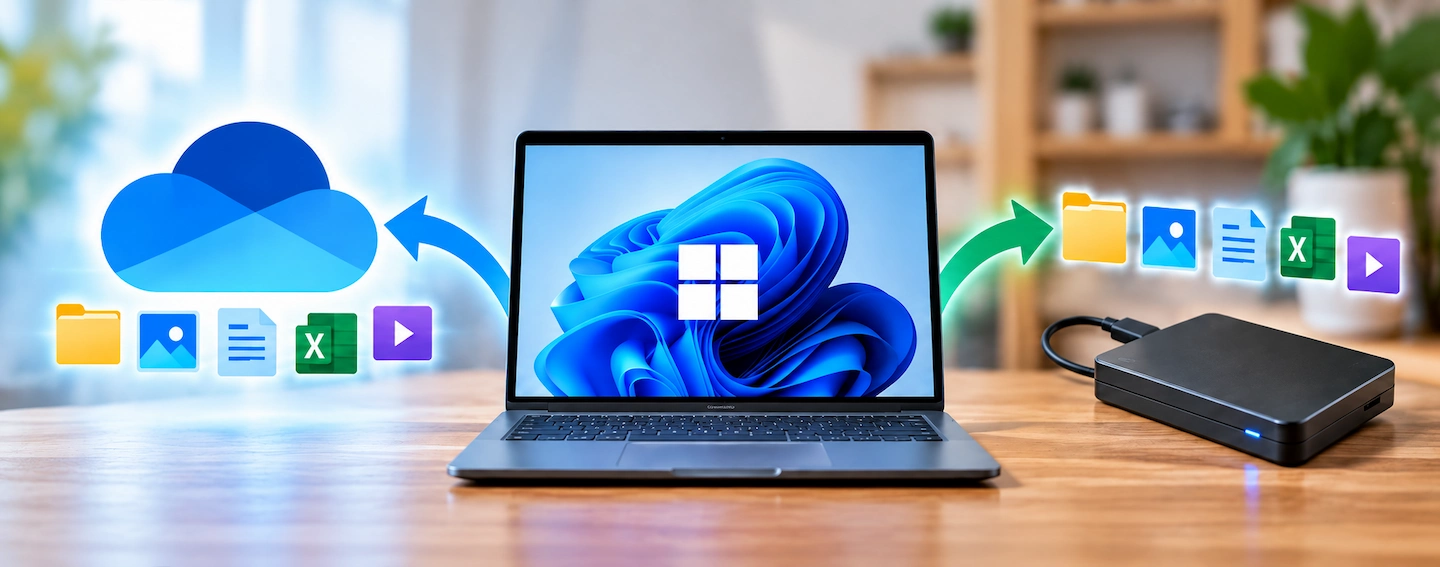
Home computer with local and offsite backups illustrating the 3-2-1 backup rule

The 3-2-1 backup rule is a simple way to reduce the risk of losing important files if your computer, backup drive or even your home is affected by a problem. Despite the name, you do not need three external drives or a complicated home server. The idea is simply to keep several copies of important … Read more
Should You Leave an External Backup Drive Connected?

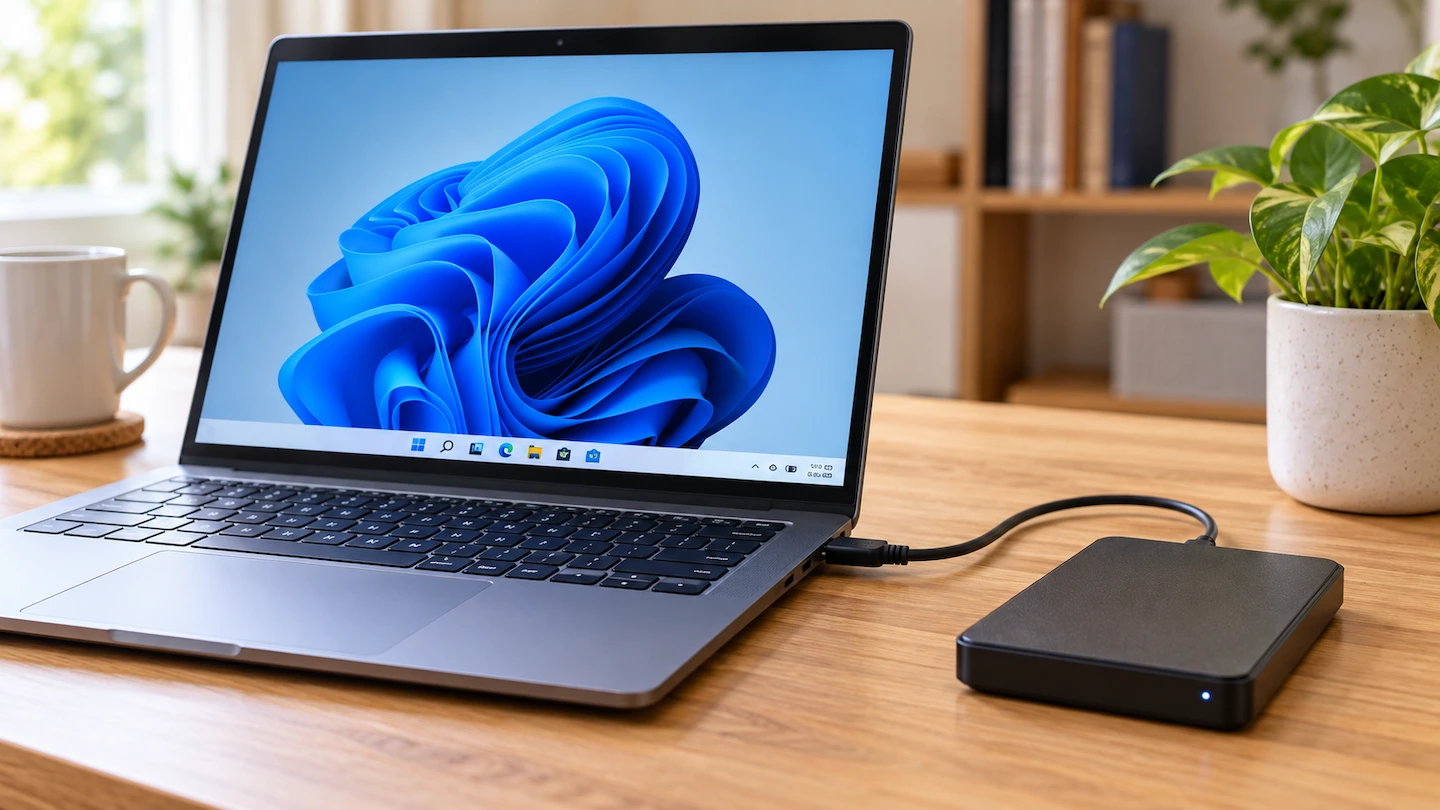
External backup drive connected to a home computer

If you’re wondering whether to leave an external backup drive connected to your computer, the answer depends mainly on how you make your backups. But disconnecting the drive when it is not being used gives your backup more separation from problems that affect the computer. For most home users, the right choice depends on how … Read more

Where Should You Put Mesh Wi-Fi Nodes?

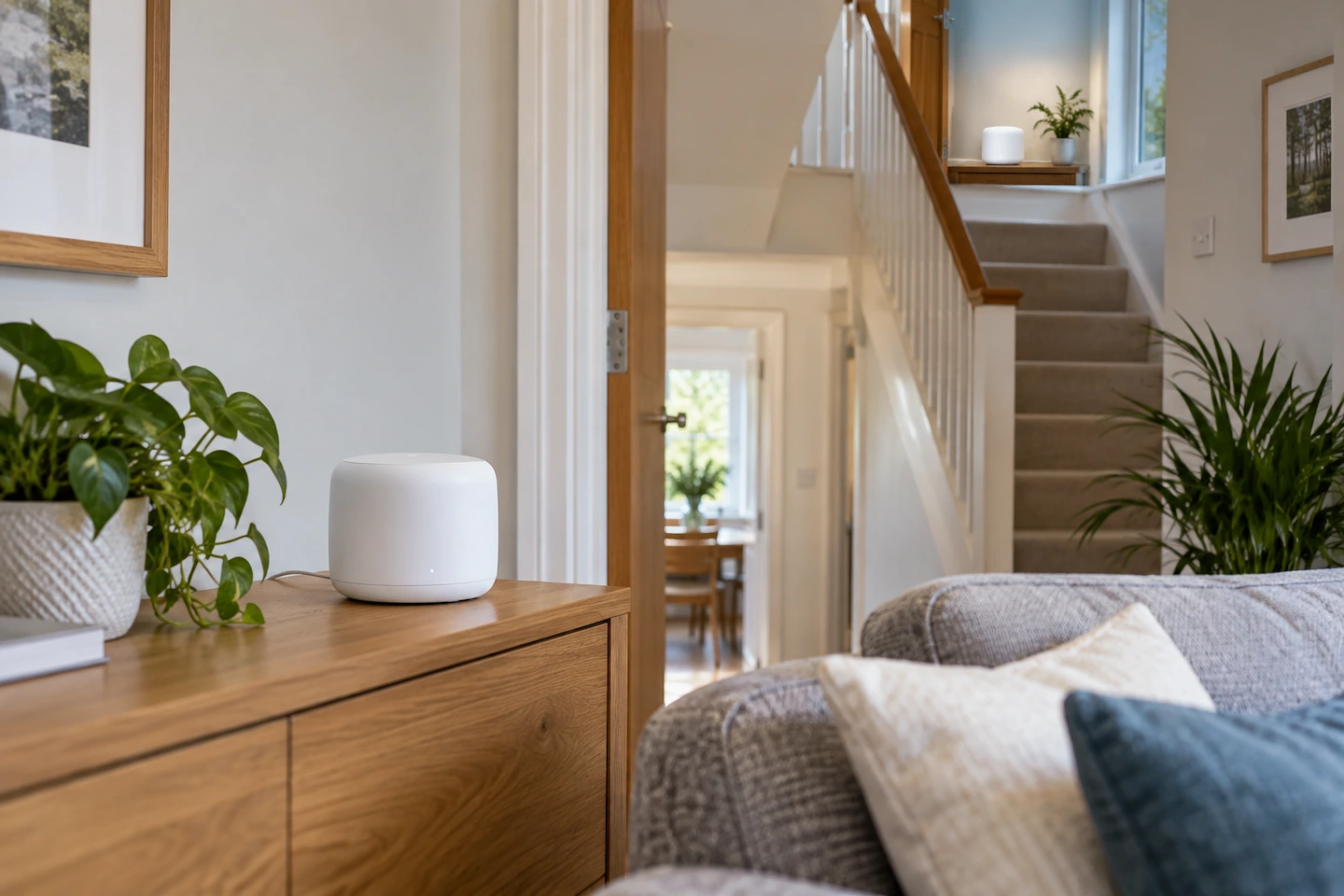
Mesh Wi-Fi nodes positioned on different floors of a home

Putting a mesh Wi-Fi node directly in the room with the weakest signal can seem like the obvious choice. But if Wi-Fi is already very weak there, the node itself may struggle to maintain a good wireless connection to the rest of the mesh. A better starting point is somewhere between the existing mesh and … Read more

How to Restore Files From a Backup in Windows 11

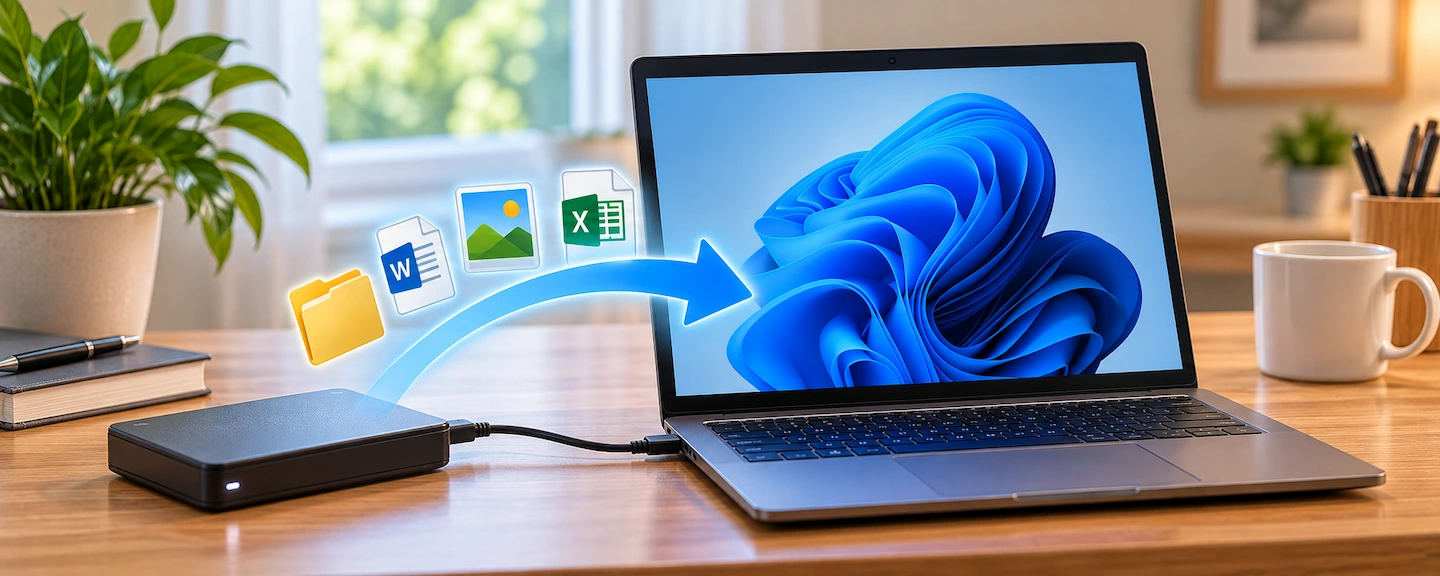
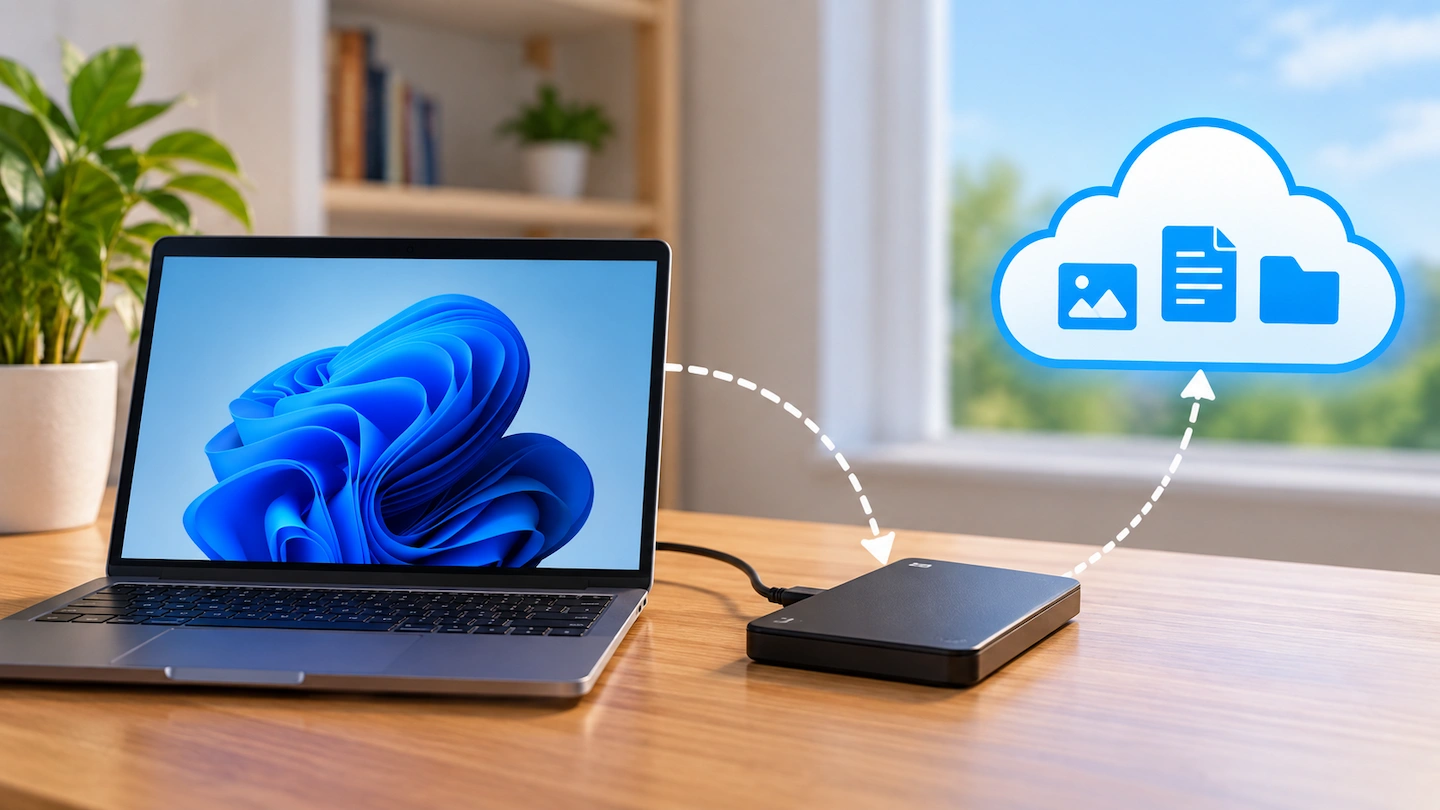
Restoring backed-up files from an external drive to a Windows 11 computer

If you need to restore files from a backup in Windows 11, the right method depends on how the backup was created. You may have copied files manually to an external drive, used File History, created a backup with Backup and Restore, or protected files through OneDrive. You usually do not need to restore your … Read more

How Often Should You Back Up Your Home Computer?

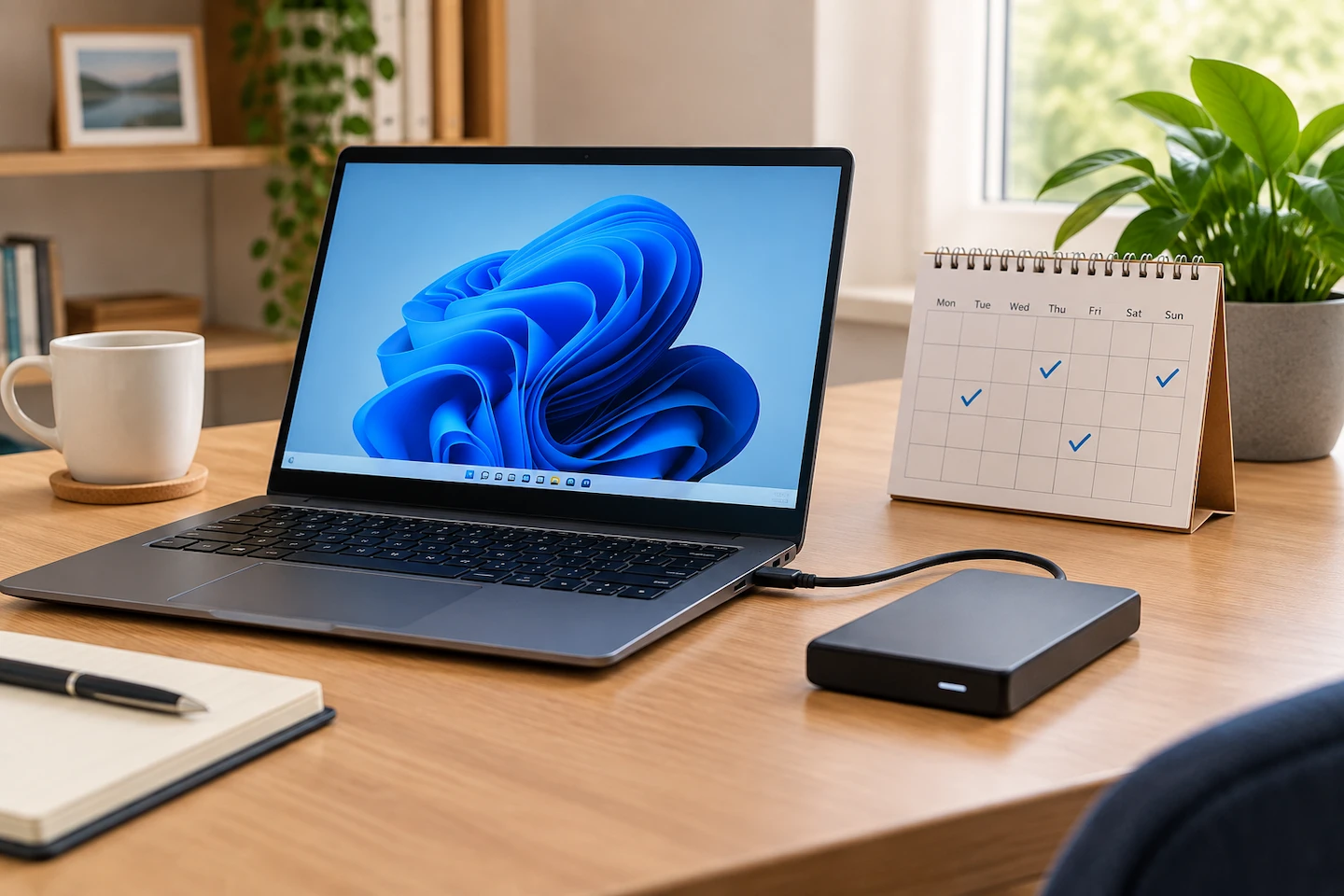
Laptop connected to an external drive beside a calendar showing a regular backup routine

How often should you back up your home computer? There is no single schedule that suits everyone. A sensible backup frequency depends mainly on how often your important files change and how much recent work you would be unhappy to lose if your computer or storage drive suddenly failed. For many home users, a daily … Read more