Where Should You Put Mesh Wi-Fi Nodes?
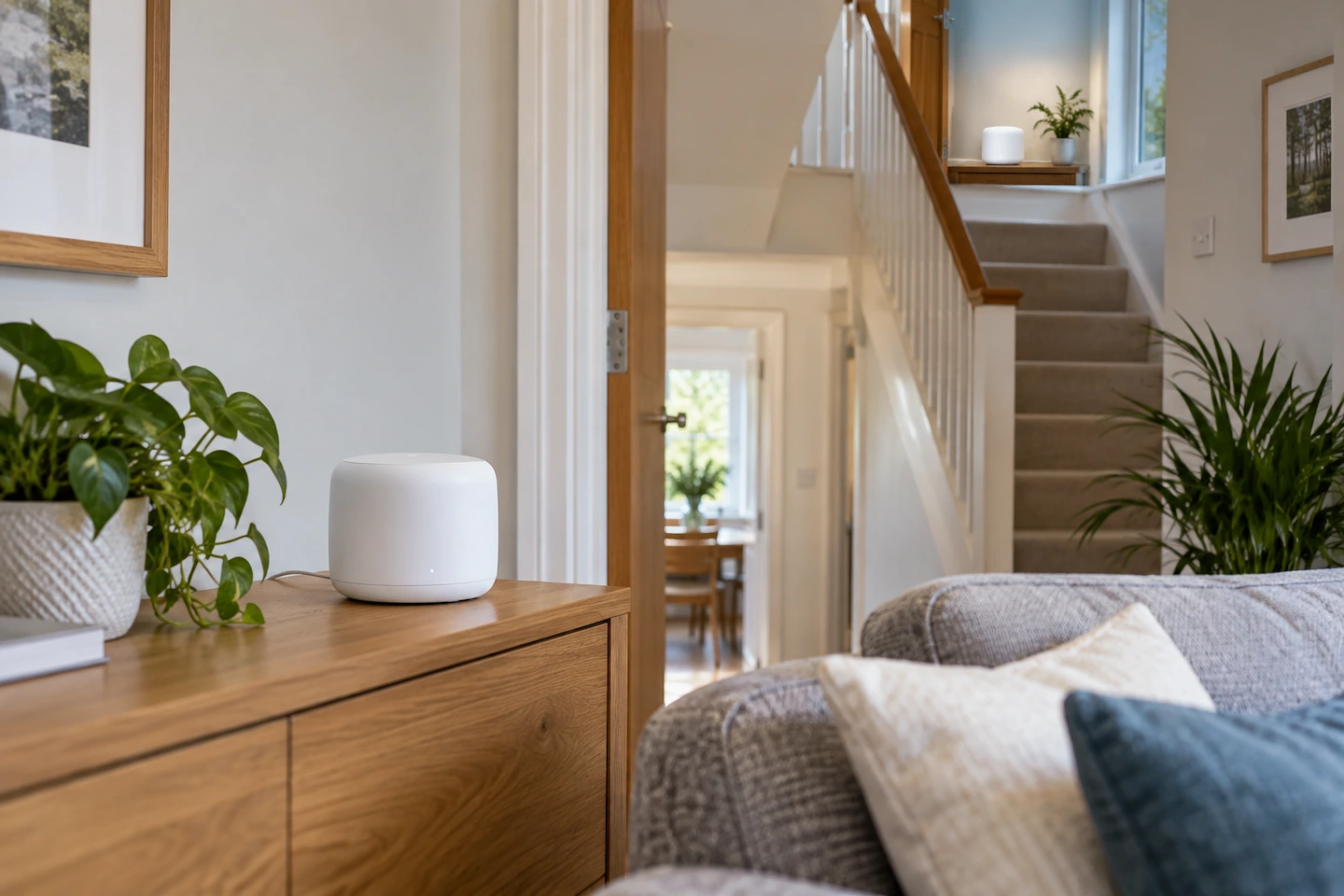
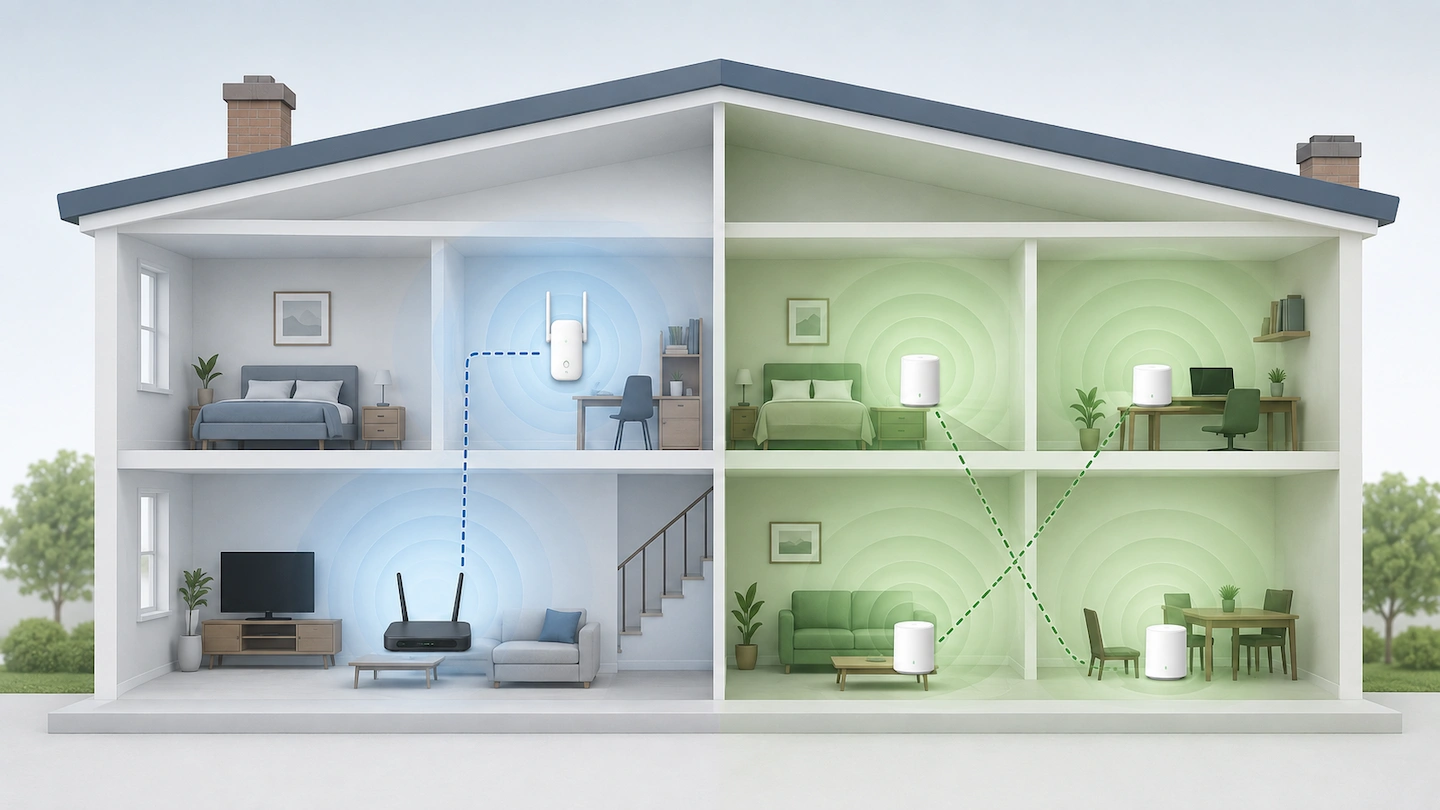
Mesh Wi-Fi nodes positioned on different floors of a home

Putting a mesh Wi-Fi node directly in the room with the weakest signal can seem like the obvious choice. But if Wi-Fi is already very weak there, the node itself may struggle to maintain a good wireless connection to the rest of the mesh. A better starting point is somewhere between the existing mesh and … Read more
How to Tell Whether Slow Internet Is Your Wi-Fi or Broadband

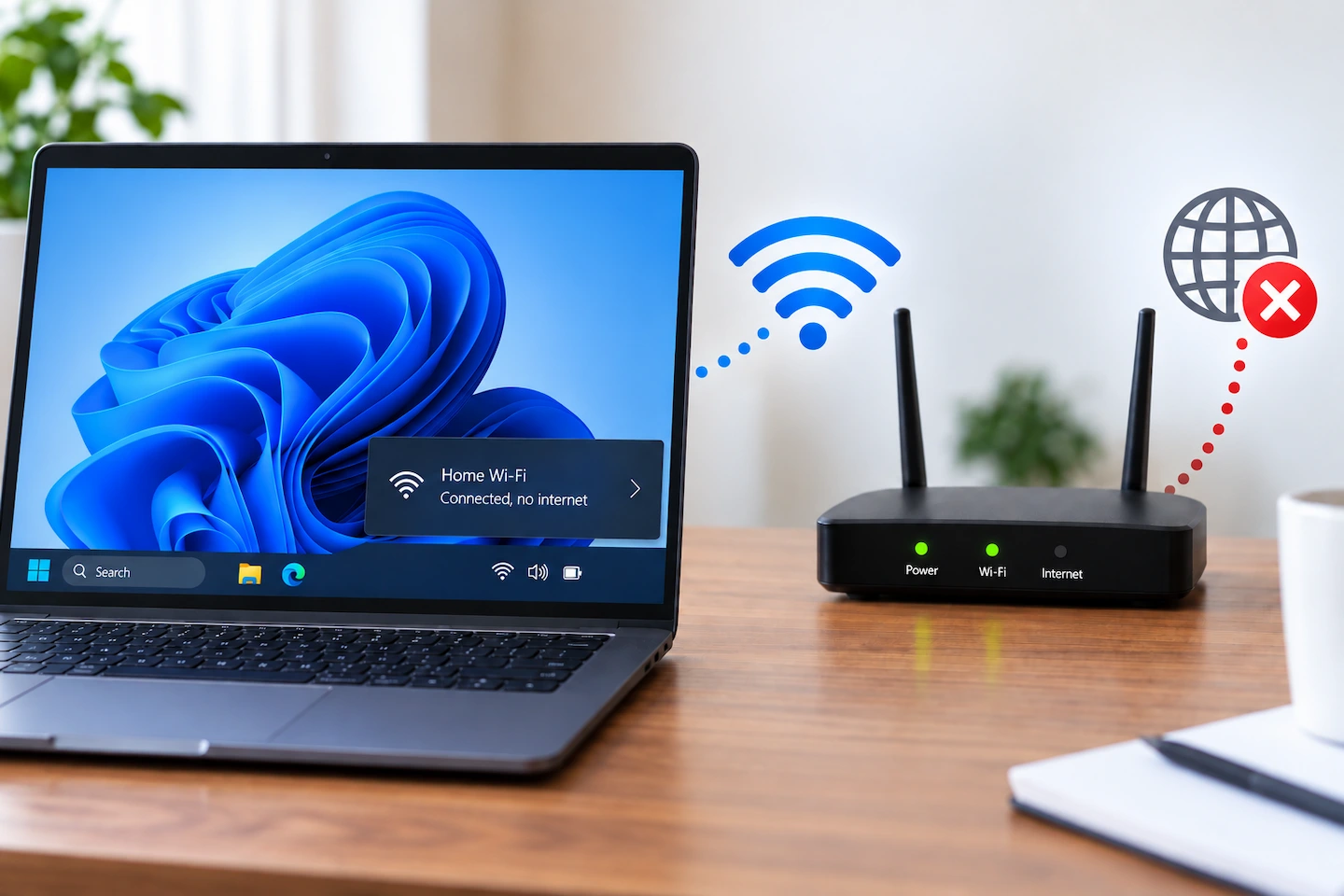
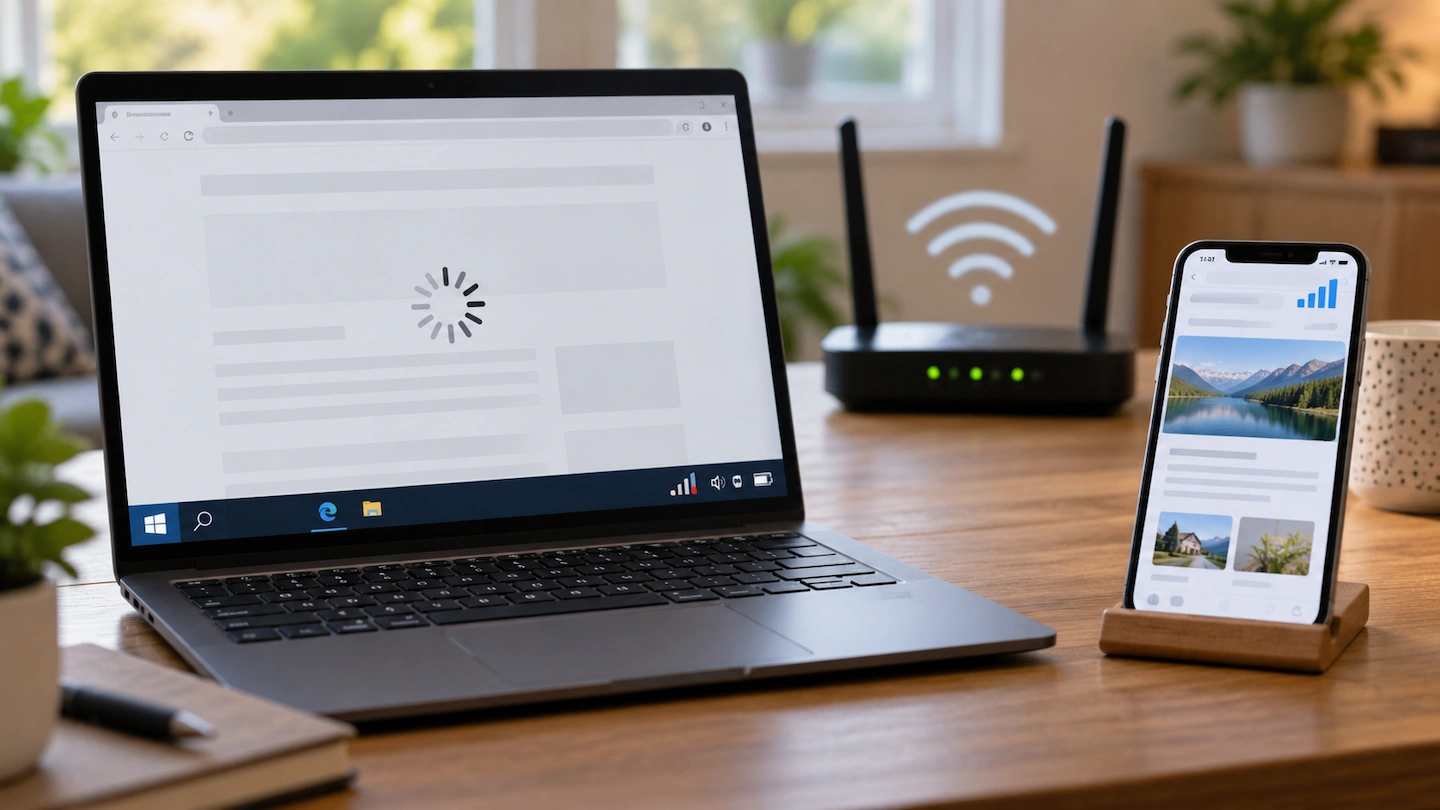
Home router providing Wi-Fi to devices while diagnosing slow internet

When the internet feels slow, it is easy to blame the Wi-Fi. But the slowdown could be coming from your broadband connection, the Wi-Fi connection inside your home, or even one particular computer or phone. Before changing router settings, buying extra Wi-Fi equipment or contacting your broadband provider, it helps to work out where the … Read more

Where Should You Put Your Wi-Fi Router at Home?

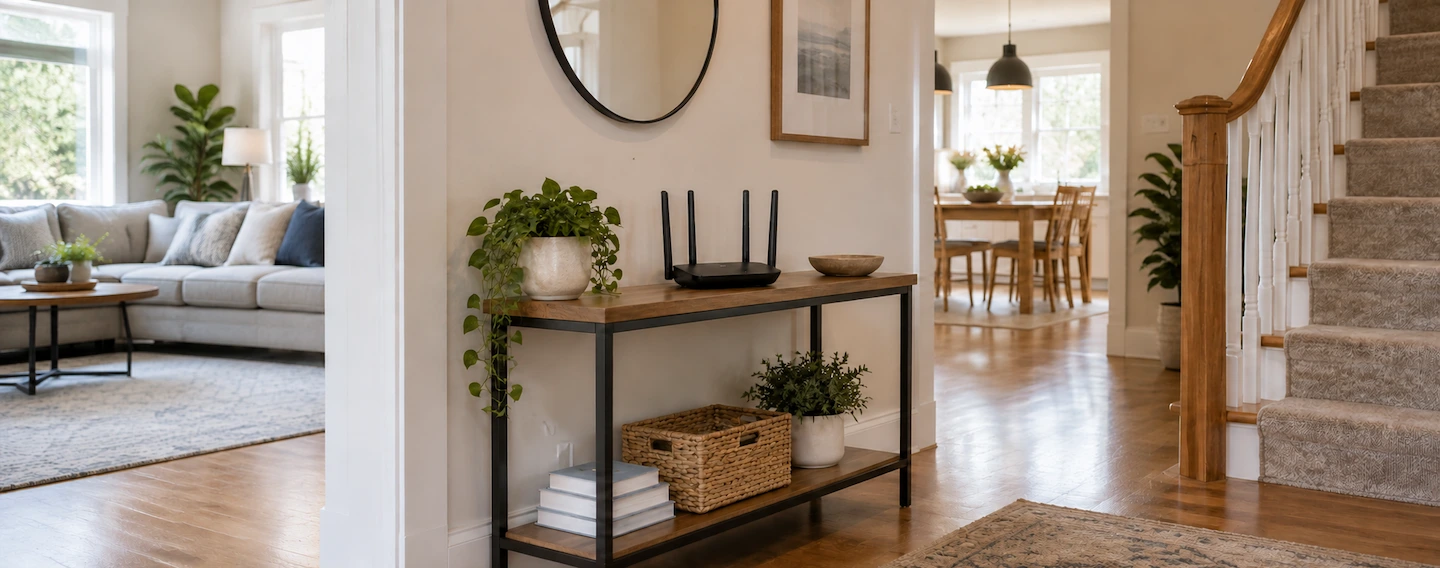
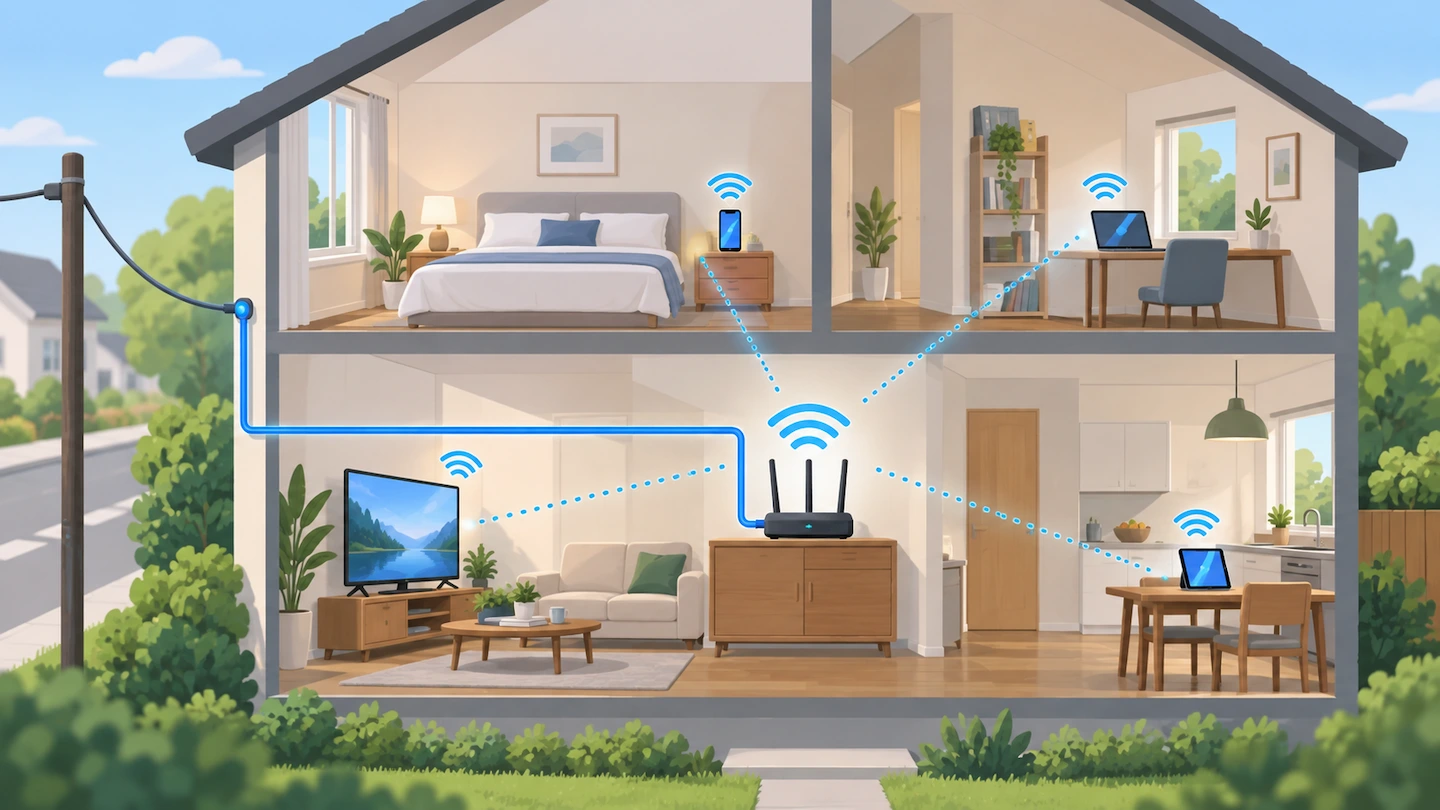
Wi-Fi router on an open console table in a central part of a home

Knowing where to put your Wi-Fi router can make a noticeable difference to wireless coverage around your home. A router hidden in a cupboard, sitting on the floor or positioned at one far end of the property may have a harder job reaching the rooms where you actually use Wi-Fi. There is no single perfect … Read more

Ethernet vs Wi-Fi for a Home Office: Which Is Better?

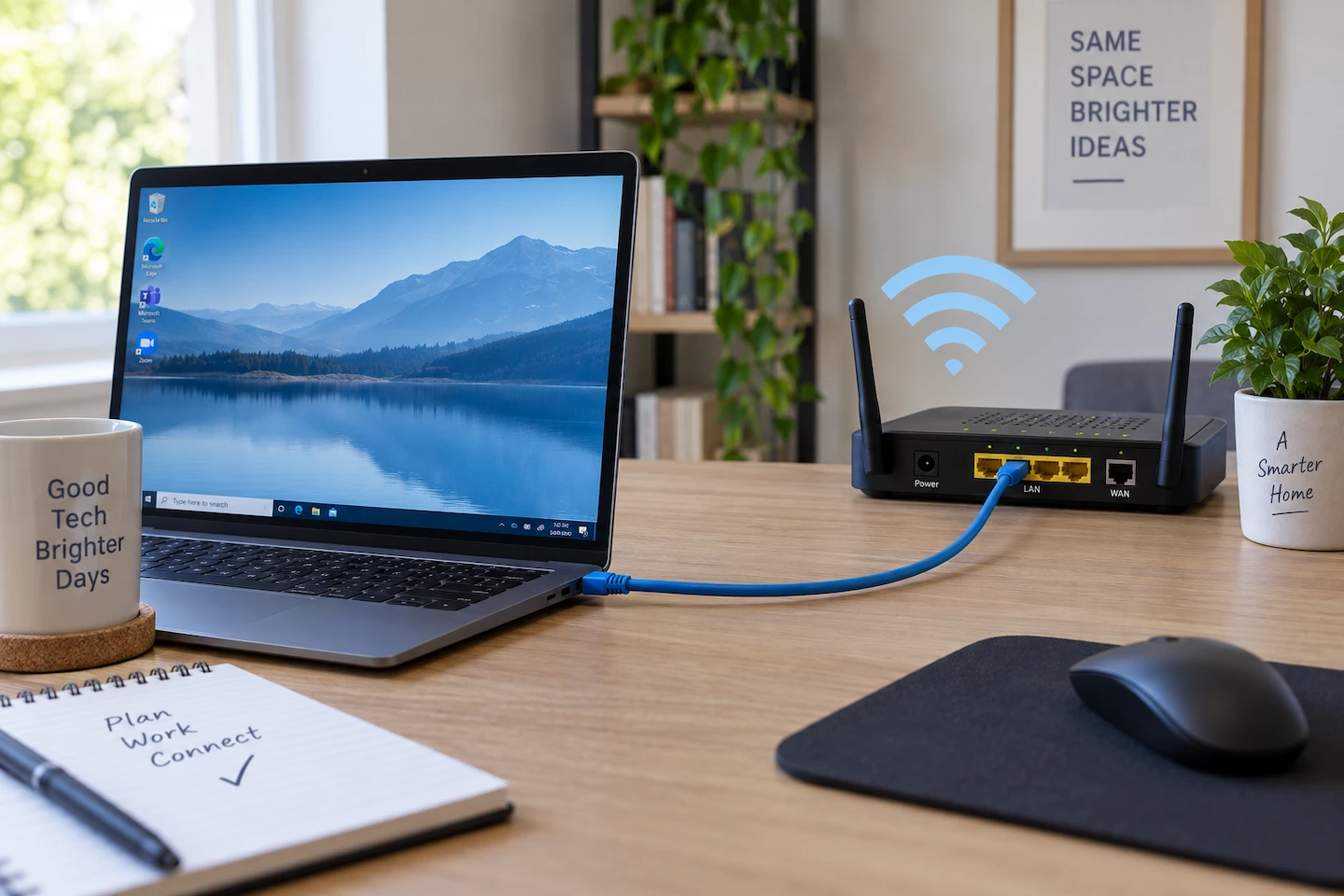
Ethernet vs Wi-Fi for a home office, showing a laptop connected to a router

When comparing Ethernet vs Wi-Fi for a home office, the main trade-off is consistency versus convenience. Ethernet can give a fixed computer a more consistent connection, while Wi-Fi gives you much more freedom over where you use your laptop. But that does not mean every home office needs Ethernet. If Wi-Fi at your desk is … Read more

2.4GHz vs 5GHz Wi-Fi: Which Should You Use at Home?

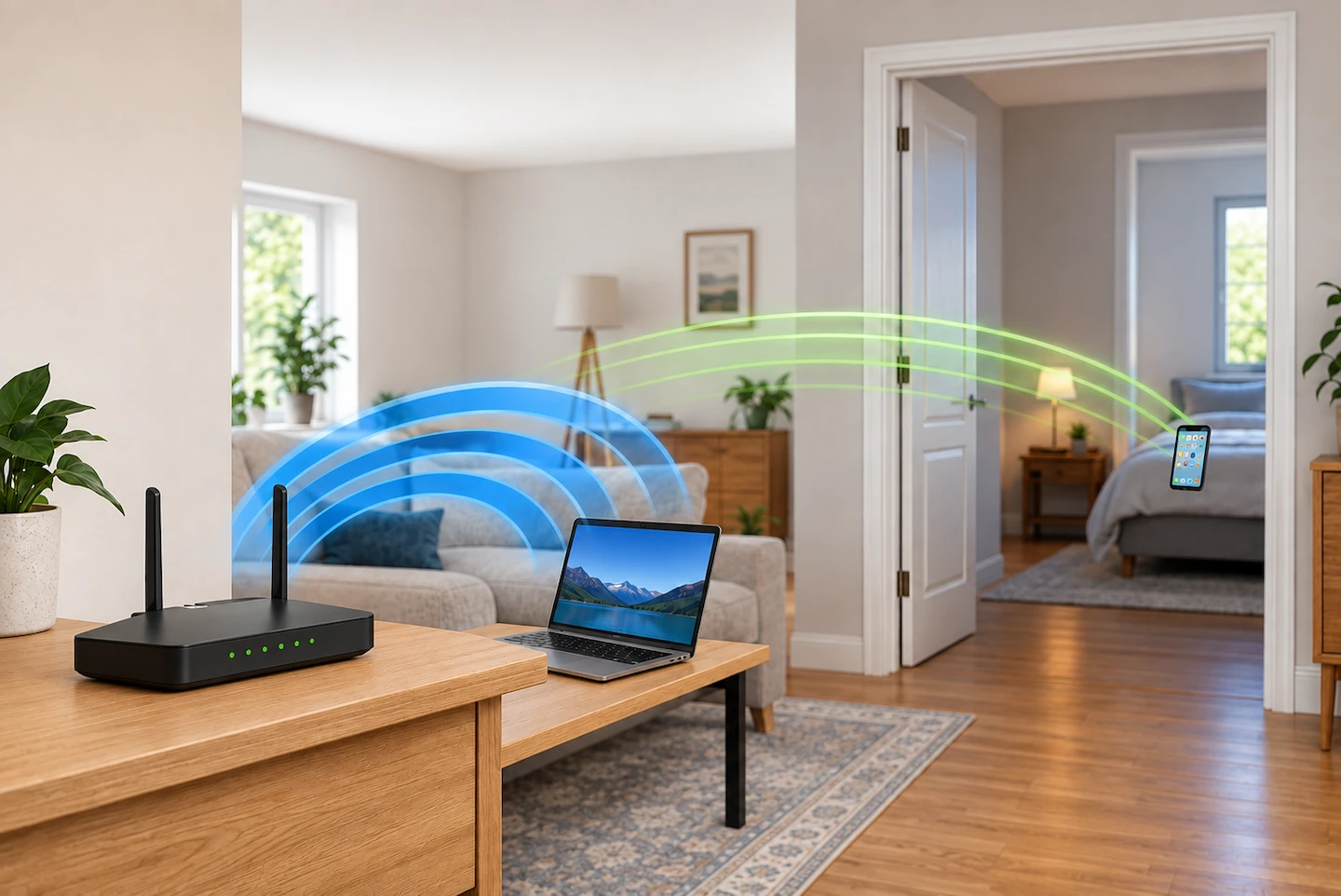
2.4GHz vs 5GHz Wi-Fi in a home

If you’re comparing 2.4GHz vs 5GHz Wi-Fi at home, it can be difficult to know which one you should use. Neither band is automatically better. The useful choice depends mainly on how far the device is from your router, what is between them and whether the device supports both bands. You may not need to … Read more

Weak Wi-Fi in One Room: What Usually Causes It?

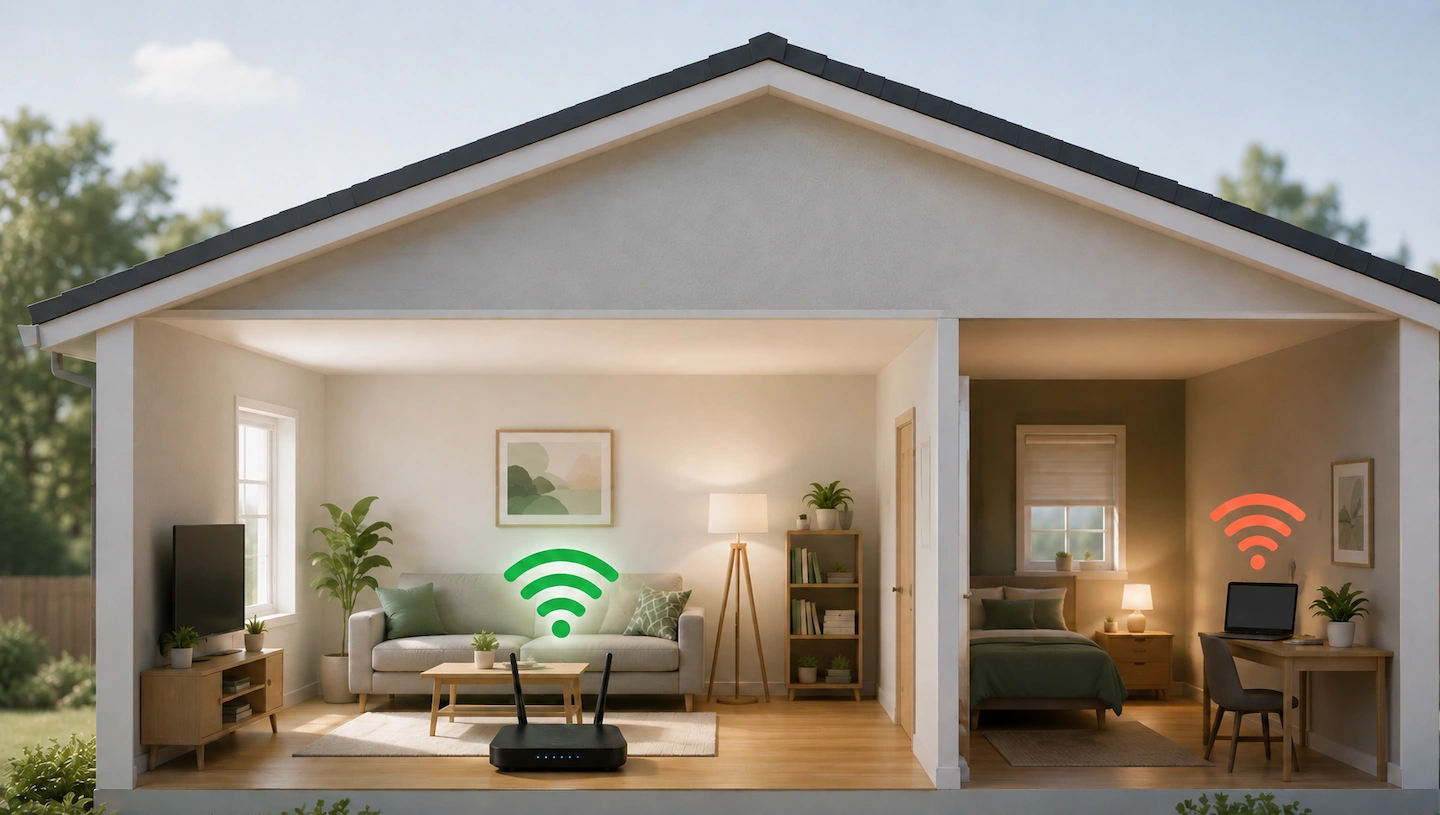
Weak Wi-Fi in one room of a home

If you have weak Wi-Fi in one room but the connection works normally through most of your home, the problem is often the wireless coverage reaching that particular location rather than your broadband connection itself. Before changing router settings or buying extra equipment, work out whether the problem follows the room or one particular device. … Read more

Where Should You Put a Wi-Fi Extender?

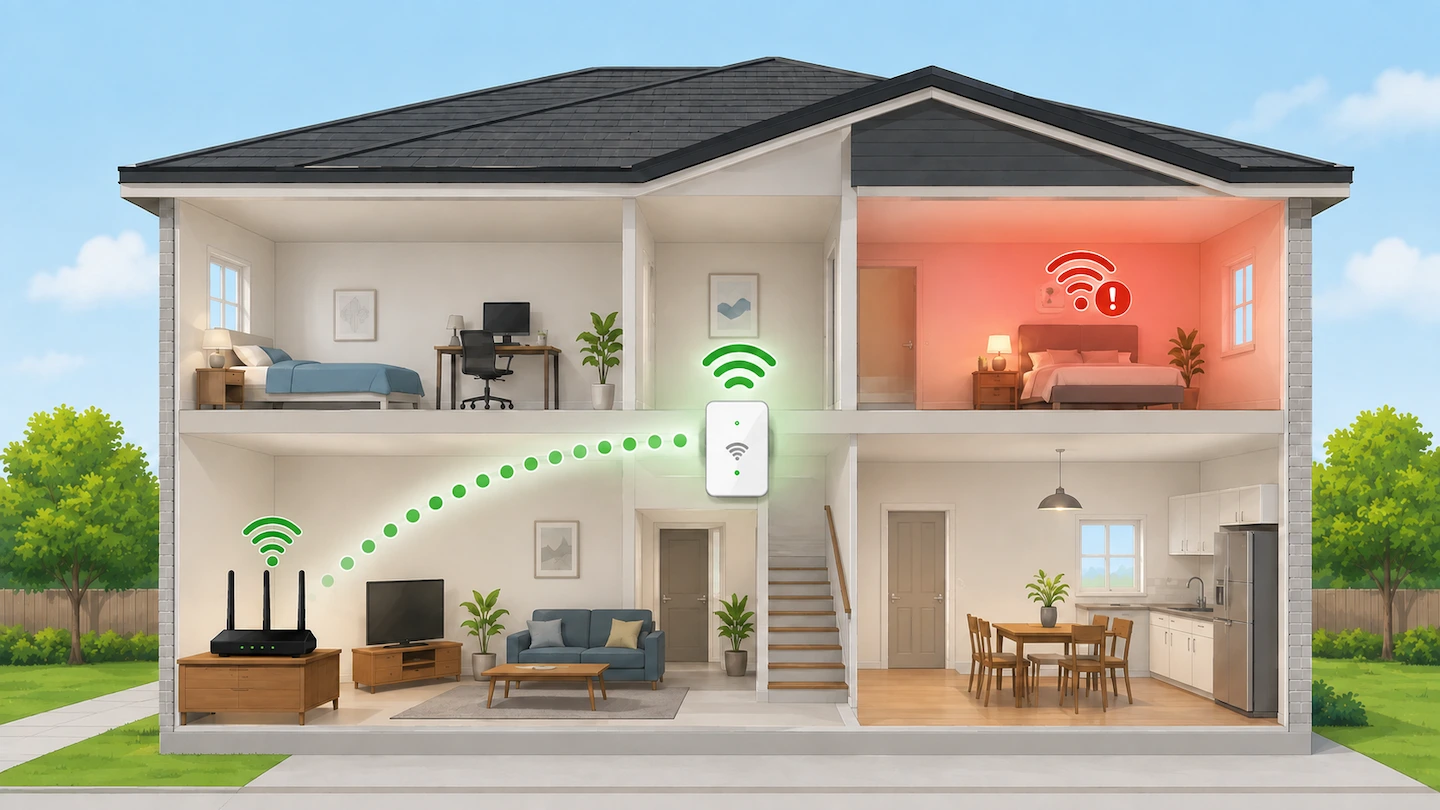
Where to put a Wi-Fi extender

If you are trying to work out where to put a Wi-Fi extender, do not simply plug it into the room where your Wi-Fi is weakest. A better starting point is somewhere between your router and the weak area, where the extender can still receive a good Wi-Fi signal from the router. From there, you … Read more