Weak Wi-Fi in One Room: What Usually Causes It?

Weak Wi-Fi in one room of a home

If you have weak Wi-Fi in one room but the connection works normally through most of your home, the problem is often the wireless coverage reaching that particular location rather than your broadband connection itself. Before changing router settings or buying extra equipment, work out whether the problem follows the room or one particular device. … Read more
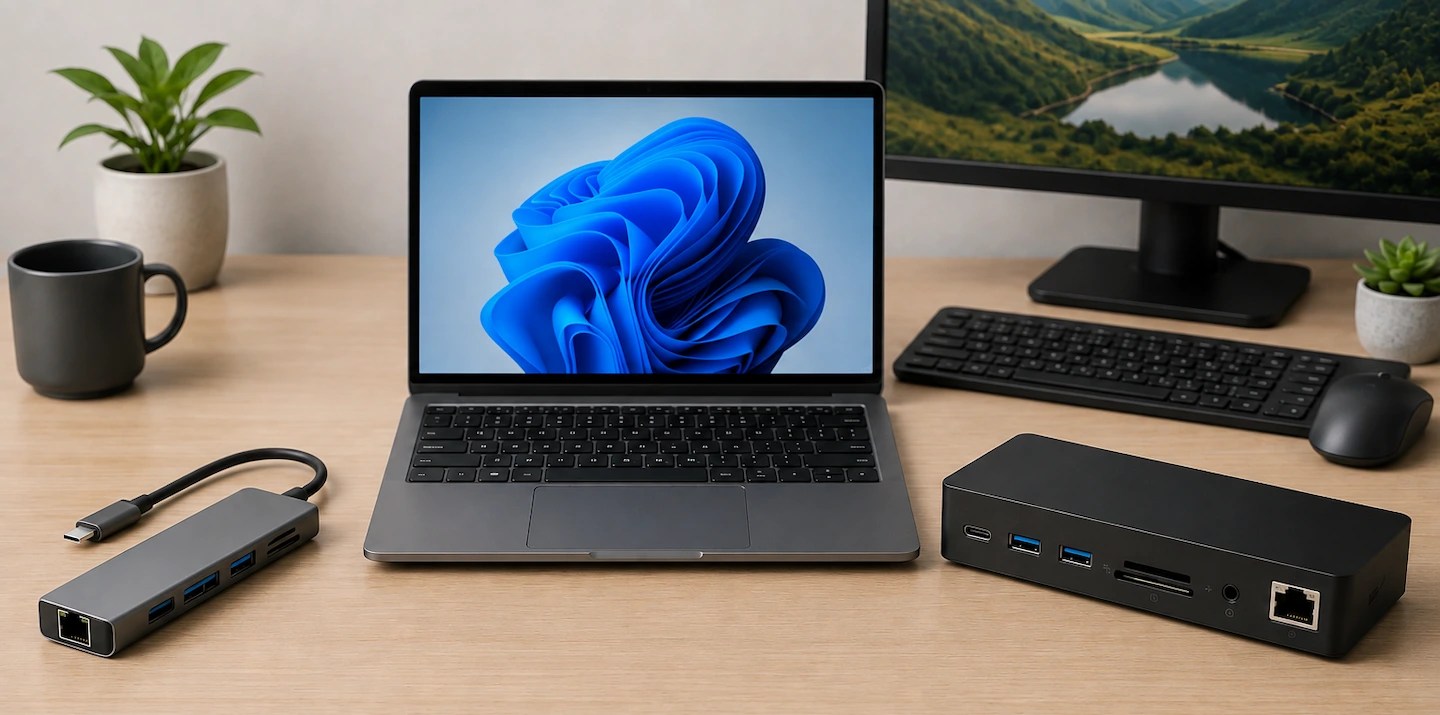
USB-C Hub vs Docking Station: Which Do You Need?

USB-C hub and docking station beside a laptop

If you’re comparing a USB-C hub vs docking station, the right choice depends less on the label and more on what you actually need to connect. The confusing part is deciding which one you actually need. The terms USB-C hub and docking station overlap, and two products with similar-looking connections can have very different capabilities. … Read more

Is OneDrive Really a Backup? What Home Users Need to Know

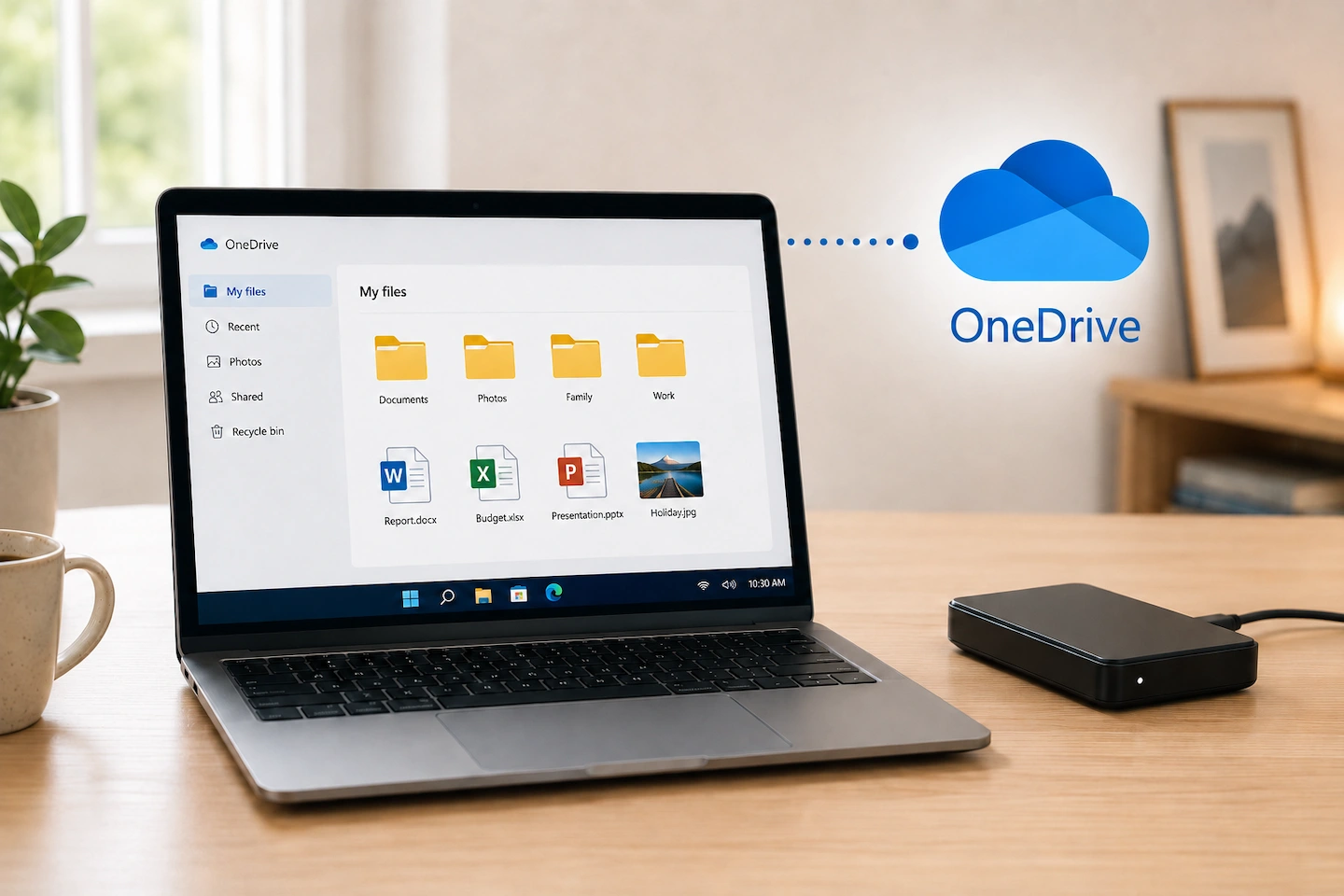
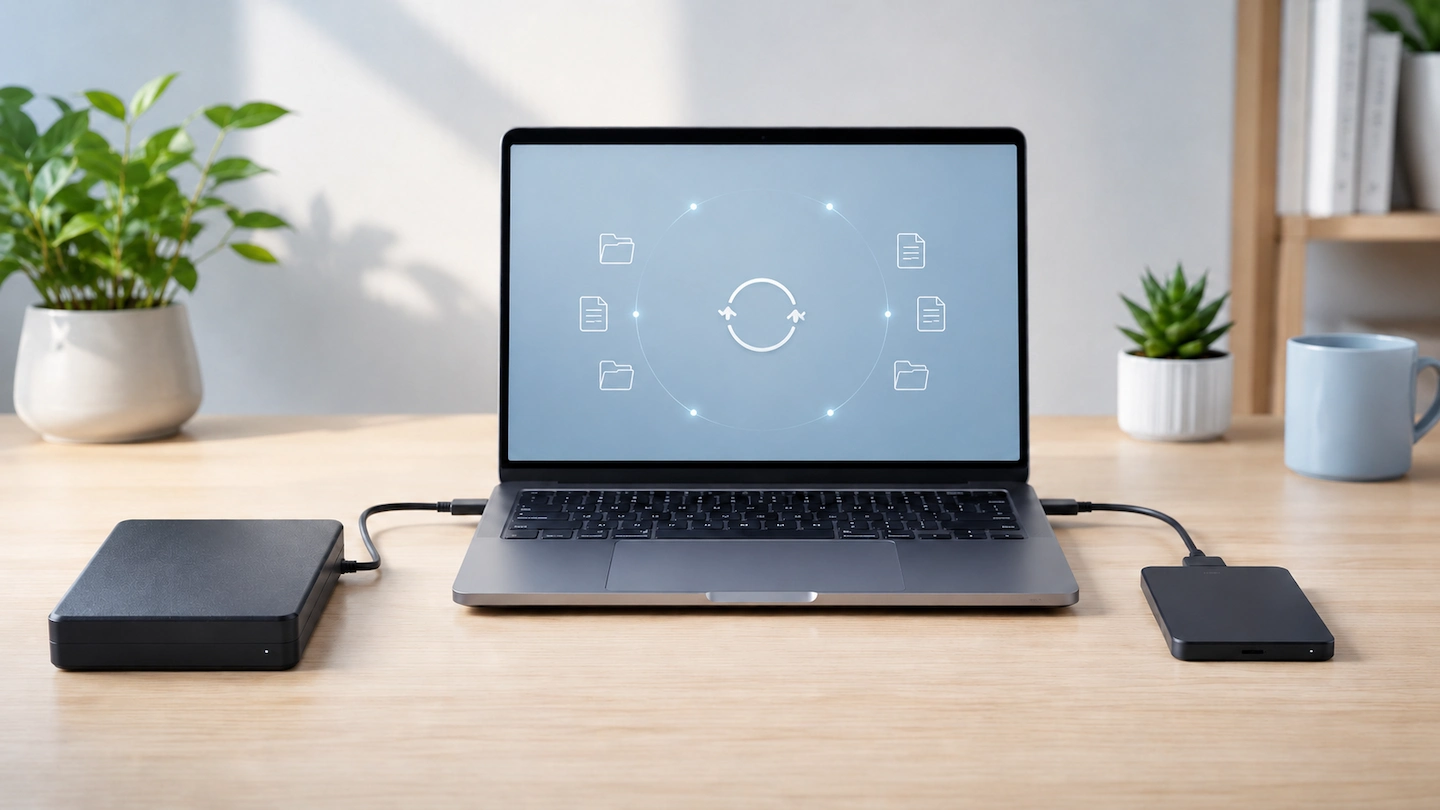
Laptop using OneDrive with a separate external backup drive

If you use OneDrive on a Windows PC, you may already have important files stored in the cloud without giving it much thought. Microsoft even describes features such as OneDrive folder protection as backup. At the same time, you may have heard the advice that “sync is not backup”. Both ideas contain some truth. The … Read more

Monitor Says No Signal: Simple Checks to Try First

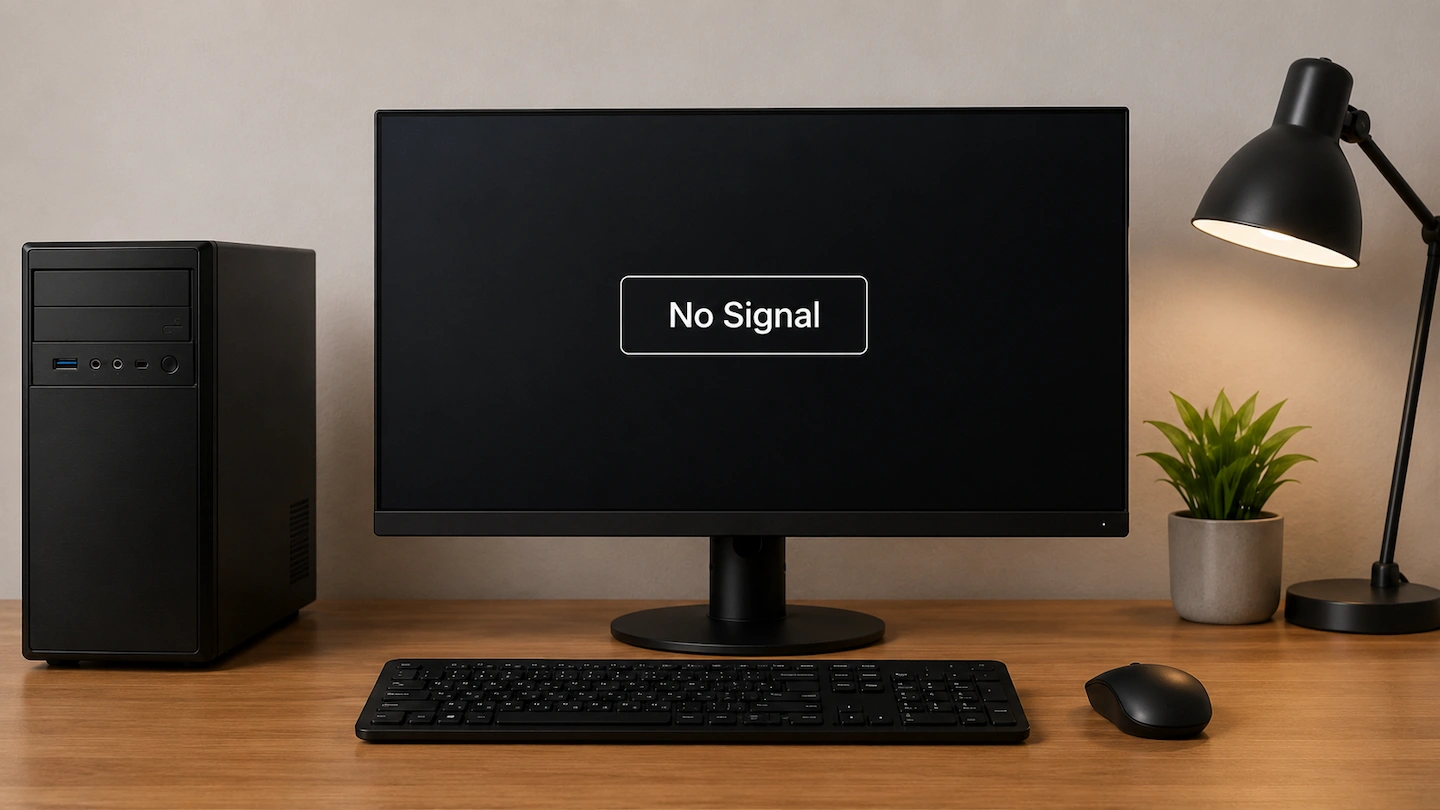
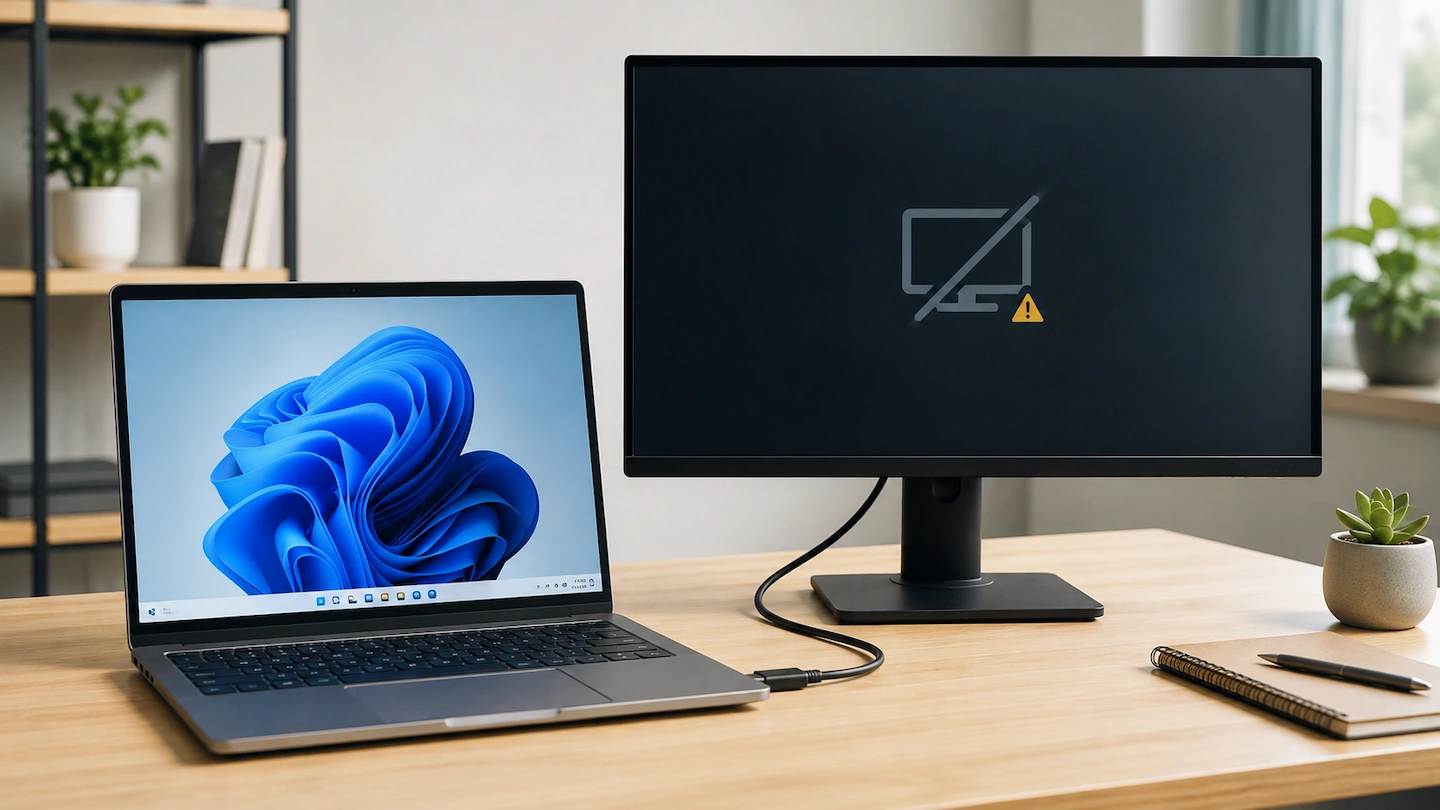
Monitor says No Signal while connected to a computer

If your monitor says No Signal, the monitor has power but is not currently receiving a usable picture through the connection it is trying to use. That does not automatically mean the monitor, cable or computer has failed. Start with the monitor input and physical connection, then work through the signal path one part at … Read more

Where Should You Put a Wi-Fi Extender?

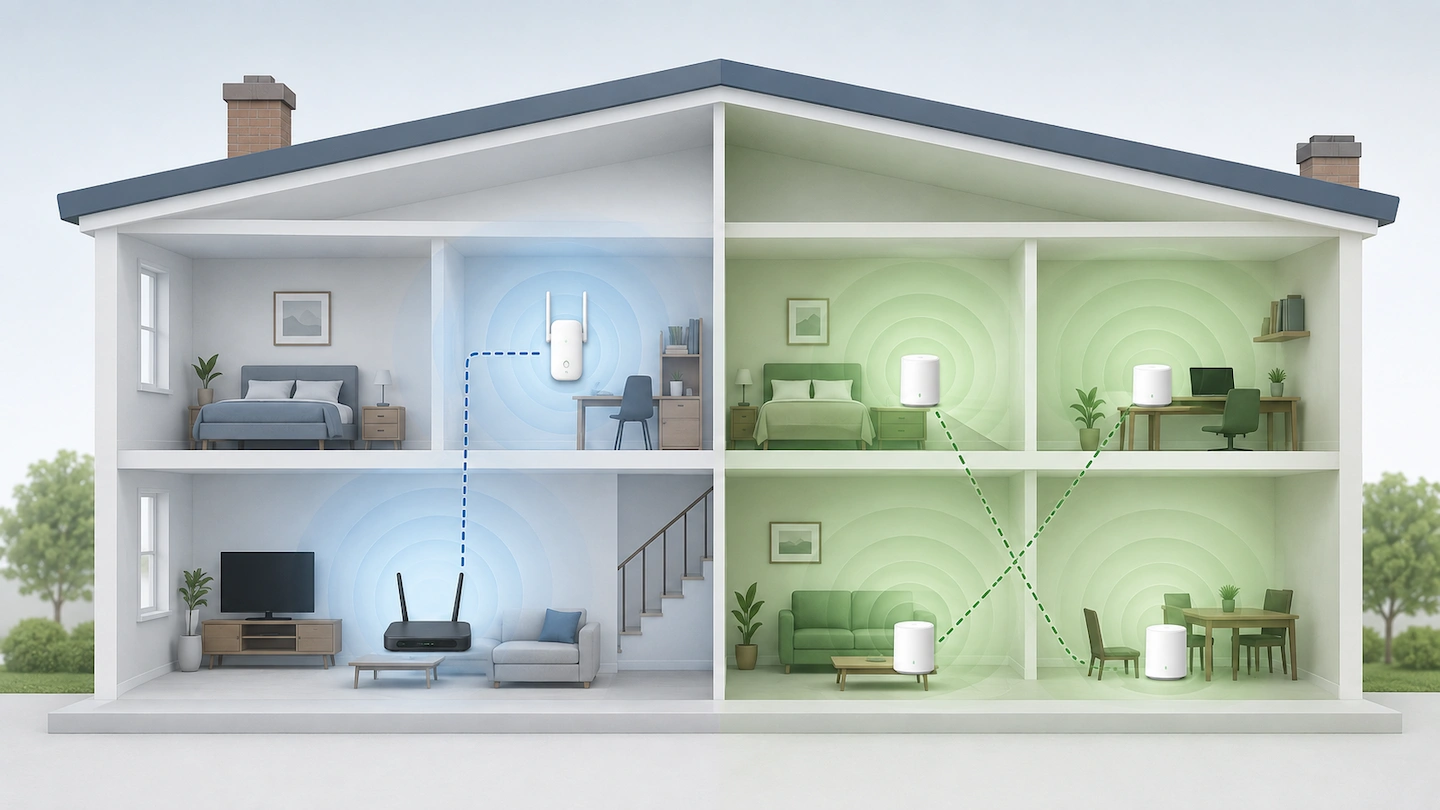
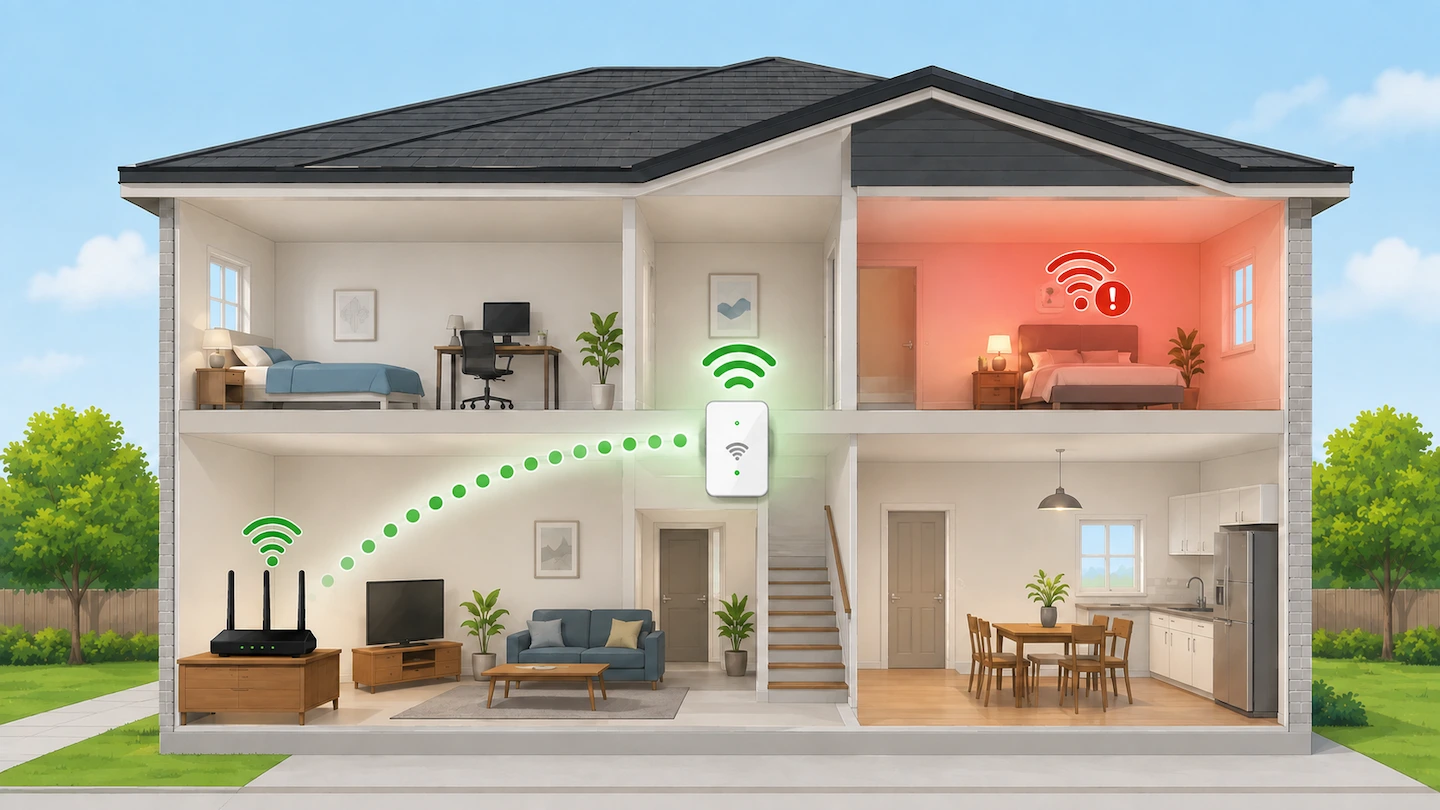
Where to put a Wi-Fi extender

If you are trying to work out where to put a Wi-Fi extender, do not simply plug it into the room where your Wi-Fi is weakest. A better starting point is somewhere between your router and the weak area, where the extender can still receive a good Wi-Fi signal from the router. From there, you … Read more

Why Does My Wi-Fi Printer Keep Going Offline?

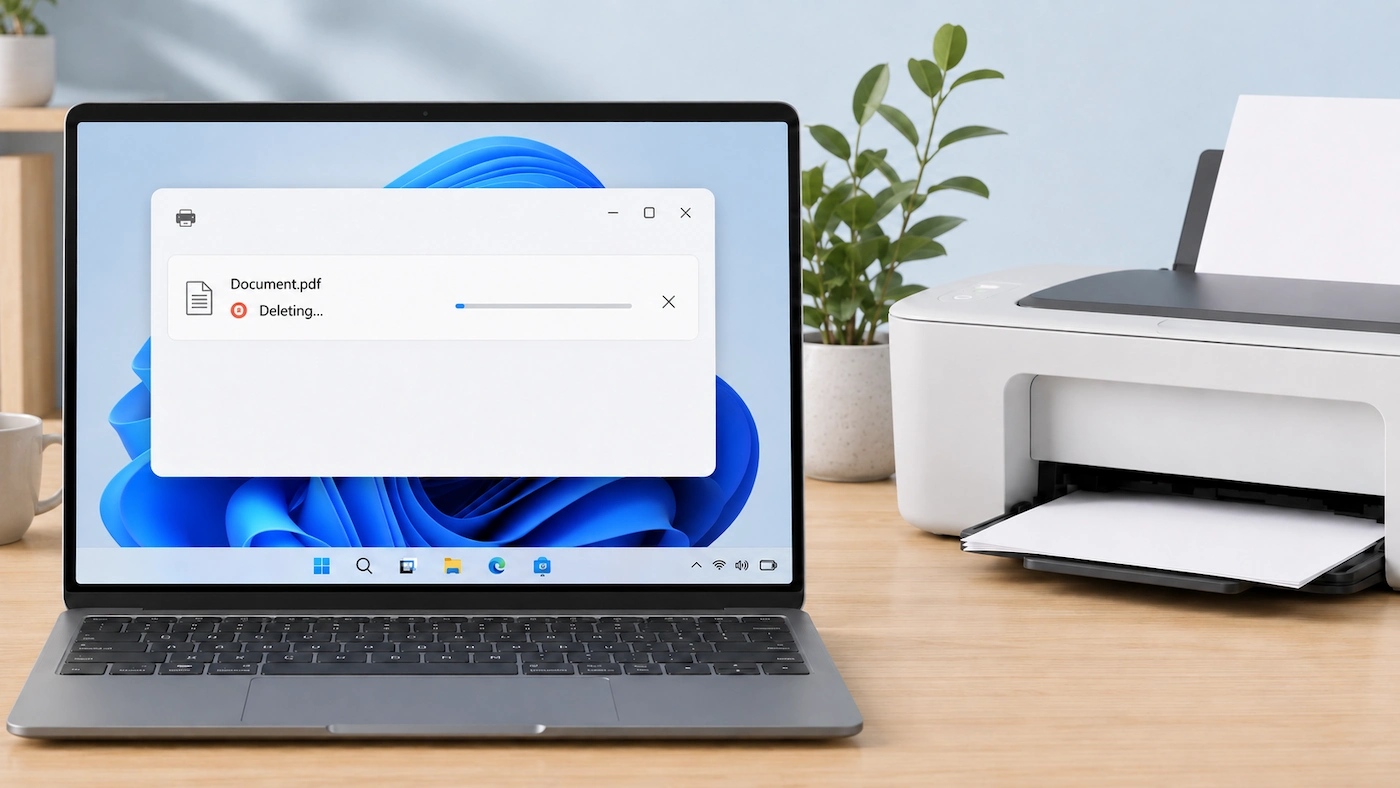
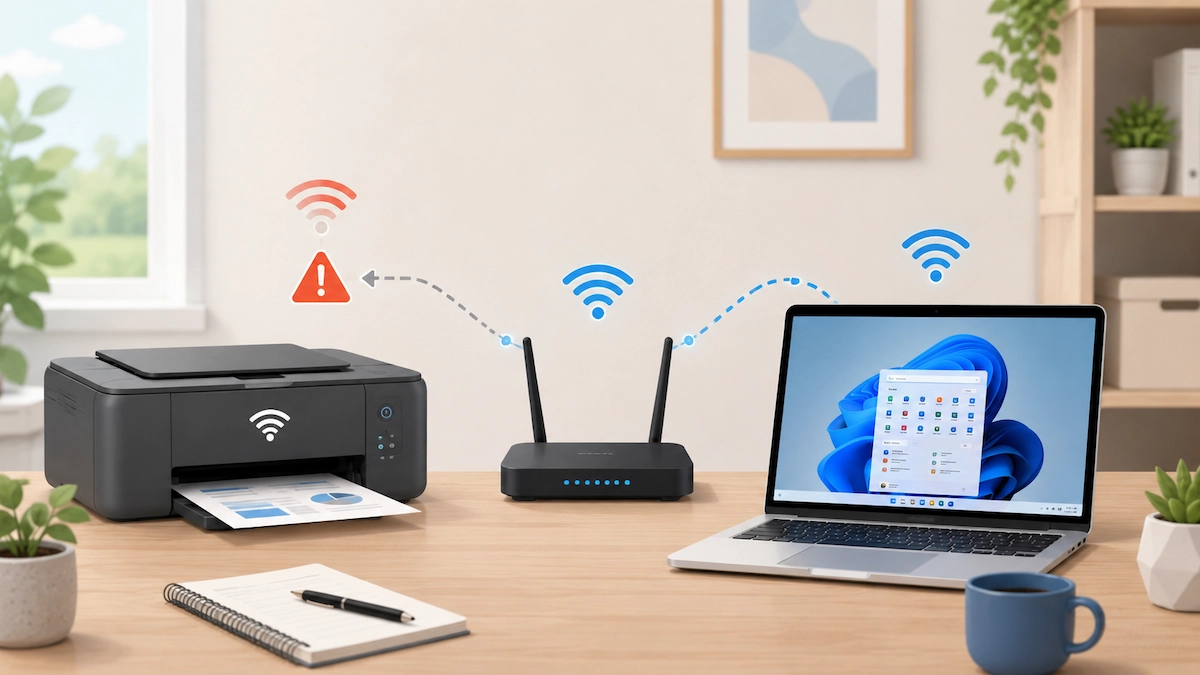
Wi-Fi printer with an intermittent connection to a home router and Windows laptop

If your Wi-Fi printer works normally and then keeps going Offline again, repeatedly restarting it may get you printing without explaining why the problem keeps returning. The most useful approach is to check what still works at the moment the fault happens. That can help you work out whether the recurring problem is with the … Read more